


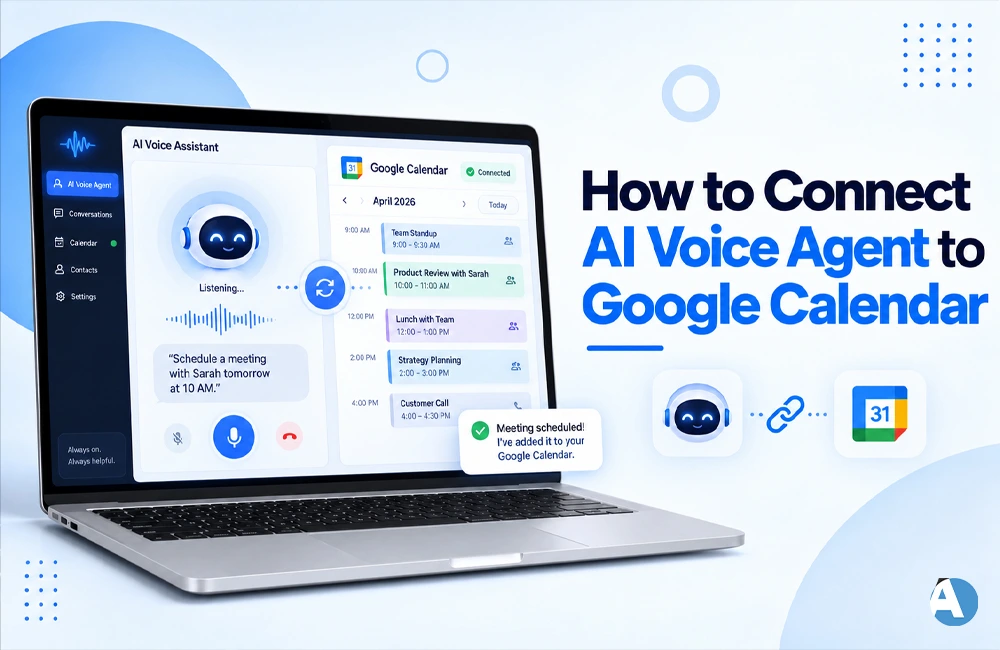
AI voice agents are capable of doing more than just answering phone calls. If set up correctly, such systems can assist you in scheduling appointments, checking availability, or making bookings on your calendar.
If you want to know how to connect your AI voice assistant with Google Calendar, it usually refers to the integration of your voice assistant into Google Calendar, either via the third-party API or by means of some automation service.
Why Connect an AI Voice Agent to Google Calendar?
A voice assistant can take charge of appointment inquiries so you can concentrate on other work. Connecting with Google Calendar allows the voice assistant to make the process of making appointments even better.
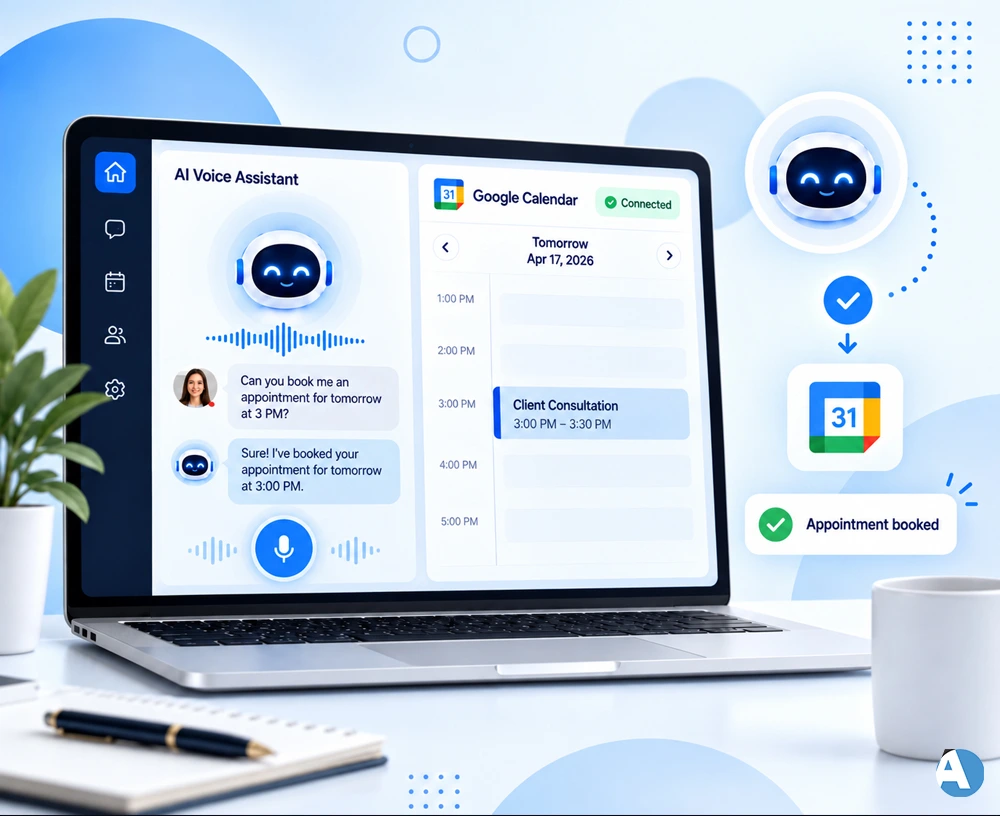
For instance, if a client wanted to set an appointment for the next day at 3 pm, the agent would confirm the date and time and make the appointment.
If you want to understand how to create an all-inclusive AI platform, refer to our article about “How to Build an AI Receptionist Without Coding“.
How to Connect AI Voice Agent to Google Calendar
1. Set Up Your Google Calendar
To begin with, please select your preferred Google Calendar to be used for your scheduling. Please ensure proper configuration of calendar settings and that the account is eligible to access and manage events on the calendar.
2. Enable Google Calendar API
If you want to create custom integrations, choose the Google Calendar API. Google provides a function known as “events.insert()” that allows the creation of calendar events. It is necessary to provide information on starting and ending time while setting an event. The relevant authorization and permissions to complete the process must also be obtained.
3. Connect Your AI Voice Agent
At this point, you can link your voice agent with your calendar connection.
The method of linking differs based on the platform.
These include:
- API integration
- Webhooks
- Automation process
- Native integrations
The voice agent requires information such as the customer’s name, desired date, time, and contact details.
4. Check Calendar Availability
The system ought to verify if the appointment time is free before getting booked.
In case the slot is already filled up, the AI voice assistant would have to provide other available timeslot options. This way, it will eliminate the chances of double bookings and streamline the conversation.
If your business heavily depends on appointment management, do not forget to check “Healthcare Scheduling Software” also explains how scheduling systems can improve booking workflows.
5. Create the Calendar Event
The integration will be able to create an appointment in Google Calendar once the customer asserts their request.
According to Google’s documentation, “events.insert()” is an API method used for the purpose of adding an event with information like the title of the event, the time of the event, the name of the event, etc.
6. Test the Integration
Test different scenarios before using the system with actual customers.
Make an attempt to reserve a vacant slot by booking it, probe about a slot that is already booked, reschedule a slot by modifying a booking, and also cancel your appointment!
Take note of time zones, particularly when serving international clients.
Can You Do This Without Coding?
It is true that there is a presence of several AI voice platforms along with automation tools which also offer no-code or low-code integration. This means that users can use a voice platform without having to develop the entire system from the scratch.
For example, those companies that would like to benefit from voice AI can also opt for other automation tools like “Synthflow AI”.
However, in case it is required to create more advanced features, therefore it is necessary to create a customized Google Calendar API integration for better flexibility.
Benefits of Google Calendar Integration
When you integrate your AI voice assistant with Google Calendar, you can:
- Automate the scheduling of meetings
- Minimize the need for scheduling appointments manually
- Prevent double bookings
- Enhance your customer service capabilities
- Effectively organize your appointments
- Provide your staff with extra time
Final Thoughts
Understanding the procedure of linking an AI voice agent to Google Calendar leads to more effective appointment booking. The general principle of the process is straightforward: the AI gets the request, checks the calendar for availability, approves the time, and makes the event in the calendar.
A basic no-code solution can suffice for straightforward requirements but Google Calendar API can work wonders for more advanced systems.
FAQ
1. Can one use AI voice assistant for scheduling purposes with Google Calendar?
Yes, it is possible provided the AI voice solution is effectively set up.
2. Is it necessary to know coding to link an AI voice assistant to Google Calendar?
Not in all cases. Various AI voice and automation technologies may be capable of functioning with little or no coding.
3. Can the AI voice agent look for free time slots?
Indeed. Given that the voice assistant has access to calendars and has been correctly integrated, it can check for any time slots before making the appointment.
