


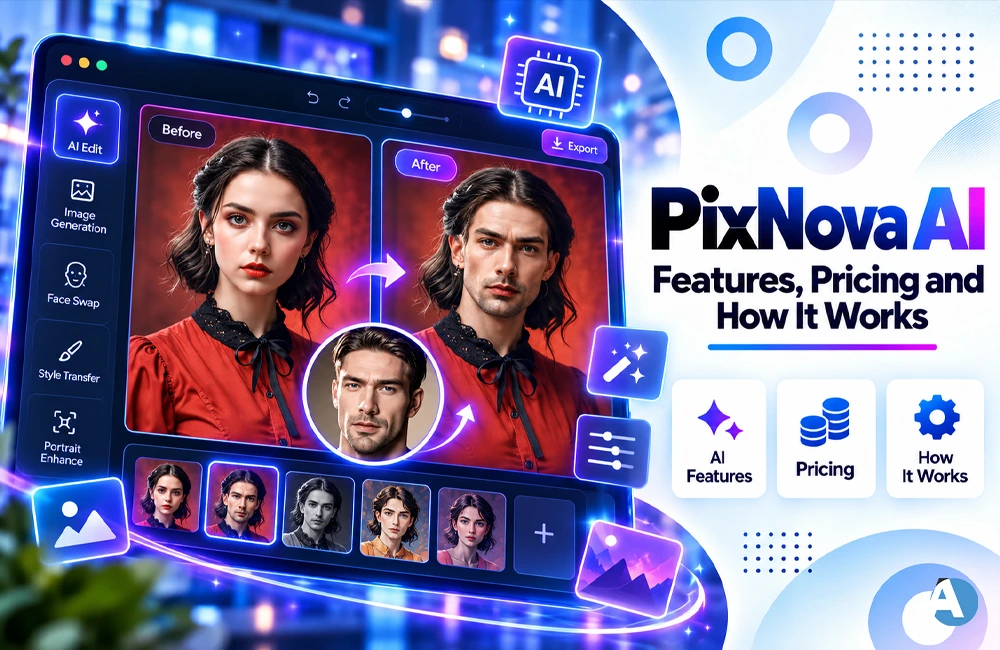
Creative tools based on AI are transforming how individuals generate images, videos, and various other types of digital content. Individuals don’t need to waste time learning lengthy editing software anymore because they can use simple AI applications to produce or change their creative work with just a few commands.
PixNova AI is one such platform, which allows generating images, creating video content, performing photo editing, face effects, and many other functions in one workspace. It gives lots of tools for individuals looking to experiment with AI without the need to download traditional editing software.
What Is PixNova AI?
PixNova AI is a web-based creative platform that offers a variety of Artificial Intelligence tools for the creation and editing of various forms of multimedia. Currently, it boasts a wide array of tools that are arranged into different categories such as AI Video, AI Image, AI Editor, AI Lip Sync, AI Fun, and AI Room.
In total, there are over 100 tools of PixNova AI available to create videos, edit photos, manipulate images, synthesize sounds, and generate animation.
What Can You Do With PixNova AI?
PixNova AI performs a surprisingly diverse number of creative works. Depending on what tool you are utilizing, it can help you to:
- Create images from text commands
- Transform images into short videos
- Make videos starting from a text
- Raise the quality of an image
- Change the background
- Make AI headshots
- Edit images
- Generate AI stickers and filters
- Make photographs “talk”
- Use lip-synch functions
- Create AI-audio
- Try AI room design
- Come up with virtual staging solutions
Thanks to the wide variety of functions, this platform can be helpful for social media producers, bloggers, marketers, designers, and any person interested in experimenting with AI-generated materials.
PixNova AI for Image Generation
PixNova AI is primarily utilized for the creation and modification of images. Users can use either a text prompt or an existing photograph as the starting point, as long as the right tool is being accessed.
These tools will assist users in preparing visuals that can be used for blog content, social media posts, thumbnails, advertising images, profile pictures, or even artistic initiatives. Various editing features of the platform can help in changing some modifications to the already uploaded images instead of creating something entirely new.
If you want to compare other AI creative solutions as well, check out our Vincent AI review which focuses on another famous AI platform and highlights its features.
PixNova AI for Video Generation
Video generation is another key aspect of PixNova AI. The tools that it currently offers include video generation from text, image, frame and reference; another important feature is the extension of videos.
The image-to-video process is especially useful when users start with an image and would like their image processed into a short animation, rather than recording another video. Instead of using a camera to create footage, just input a still picture.
The other AI video tools work in a similar manner. For instance, Adobe Firefly is using its AI video generator to create a video based on a phrase from a text or an image provided.
Thus, for the creators who regularly make content, this image-to-video and text-to-video process will allow them to decrease the amount of making unsophisticated video from scratch.
Face Swap and Creative AI Effects
PixNova AI has additional features that deal with humans as well as creative effects and some of the tools are useful for fun content creation, social media testing, and other picture projects.
When it comes to face-oriented tools, users must always act responsibly. For example, prior to modifying someone’s photo you need to have their explicit consent.
It is important to notice that the quality of AI work depends on the photo too. Photos that have a clear subject and are well-lit usually provide more information for the AI application.
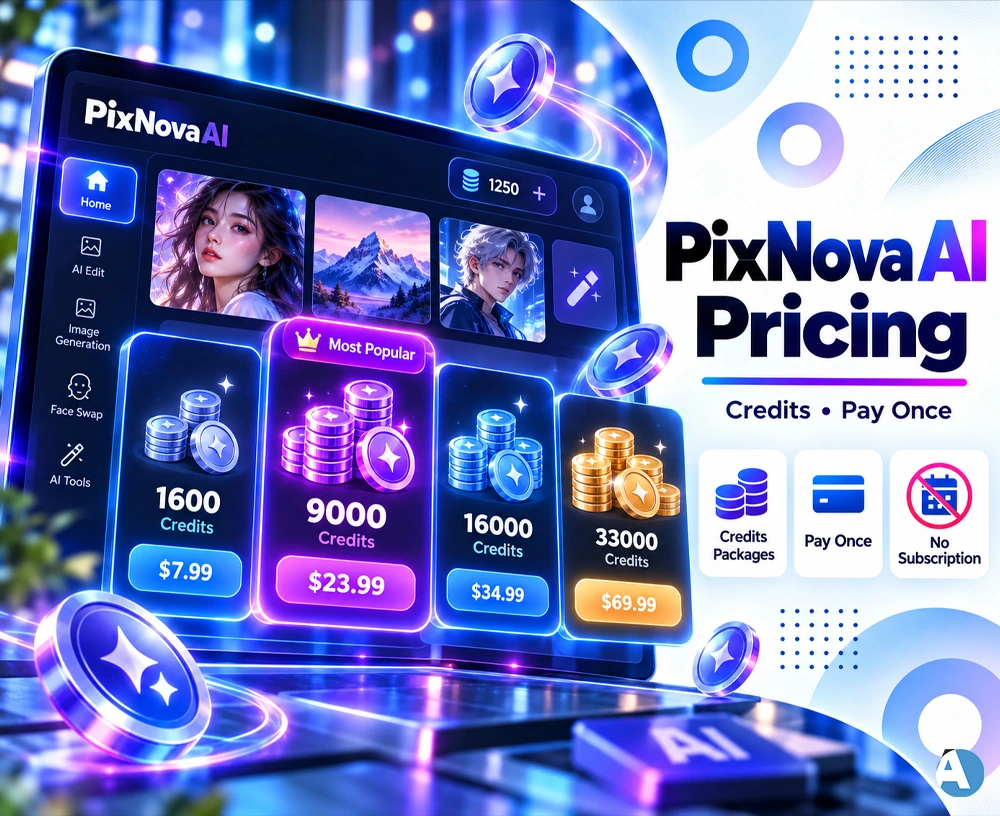
PixNova AI Pricing
PixNova AI implements credits for a range of AI-enabled services, and its pricing tables now are showing various packages for one-time payments instead of demanding from every user to enroll in a subscription plan.
As more features and models are introduced on the platform, the packages may change over time, which means users must verify what PixNova AI offers at the moment.
This system may suit users who do not need AI solutions from the service on a regular basis and do not want to pay for subscription regularly.
Is PixNova AI Easy to Use?
PixNova AI operates in a browser environment, which removes the need for complicated installation of software applications of high complexity.
The basic steps of the process are quite simple: select a tool, upload your picture or provide a prompt, tweak the settings, and produe the desired result.
It might be slightly challenging to get to grips with the range of tools available, so it may be a good idea to concentrate on one initial task, either image generation or image-to-video operations among the vast variety offered.
PixNova AI vs Other AI Creative Tools
There are many platforms today that offer AI-based tools for both generation and editing purposes. The main difference between them is the focus on different workflows in every case.
For instance, the AI-powered video generator by Canva produces videos from text commands and lets the users continue working on the content within the editorial space of Canva.
PixNova AI offers a wide range of standalone AI-powered generation and editing tools.
If you are more concerned with AI-based workflow and automation, make sure to check our Anakin AI review for more information about another type of AI tool that is used in a totally different way.
How PixNova AI Fits Into a Content Workflow
PixNova AI could be perceived as one element of the elaborate content creation process.
For instance, a creator can produce an image, render a video based on that image, make the necessary edits, and ultimately post the resulting clip on social networks. An advertiser would put AI-generated content to use for an advertising campaign, while a blogger would use the service to produce illustrations for an article.
The use of AI video platforms for social content, marketing purposes, and video-making processes is on the rise. Zapier’s new guide on AI video generators describes various methods of generating video content through AI, including the ones where text is turned into video, videos edited with AI software, and generated video content is reused in other formats.
This demonstrates that PixNova AI can be viewed as an essential component of the broader tools for creating content with the help of Artificial Intelligence and not merely as a separate generator of pictures.
Who Should Use PixNova AI?
PixNova AI may be useful for:
- Social media creators
- Bloggers
- YouTubers
- Digital marketers
- Small businesses
- Designers
- Content writers
- E-commerce sellers
- Beginners exploring generative AI
It can be particularly convenient for users who regularly need different types of visual content and prefer having multiple AI tools available from one platform.
Final Thoughts
PixNova AI combines various AI technologies like image generation, video creation, photo editing, face effects, lip sync, and other enhancement tools into a single website. Its diverse set of tools makes it worthwhile for creators looking to discover new experimental visual content. The credit-based system can also be appealing for users who want to buy credits for each project instead of subscribing.
Given the rapid change of AI models and creative platforms, the tools, models, and prices available on PixNova may too frequently change. Therefore, checking the particular features and prices page before starting a project will be a onetime task.
FAQs
1.What do you understand about PixNova AI?
PixNova AI is the online artificial intelligence platform with some tools to make or edit images, create videos, improve photos and add special effects using technology.
2.Does the service come at a price?
While there are free services provided by PixNova AI, most of the options are available on credit or payment basis, depending on the tool used.
3.Is it possible for PixNova AI to create videos?
Yes. PixNova AI is capable of performing several tasks including converting text into a video and making videos using images.
