


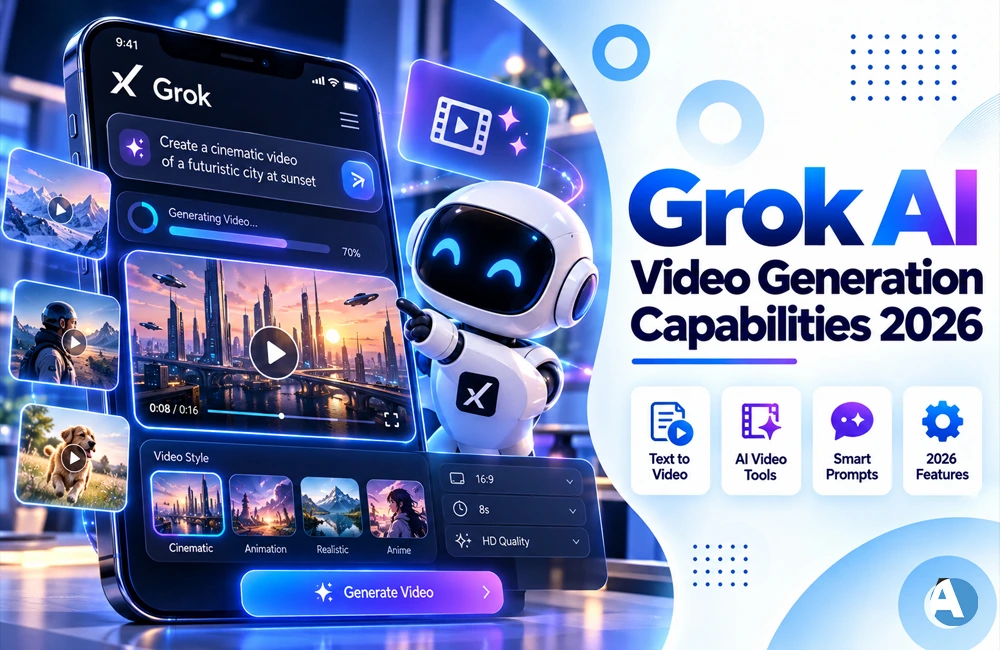
Significant advancements in AI video generation already took place in 2026. From previously producing short test videos, the technology developed into a mechanism that could now work on visuals, sound, image references, among other creative orders. It is possible to see how Grok AI video generation abilities in 2026 are being improved through Grok Imagine, which offers creators more opportunities to generate their concepts and visuals in the form of short videos.
Grok Imagine Video 1.5 is now the main video model standing behind the newest features of xAI’s generations. This video model provides capabilities for text to video, image to video, reference-based video generation, audio, and high video resolution.
What Is Grok AI Video Generation?
The Grok video generation feature is a part of the Imagine platform offered by xAI. Users can express their requirements, and the model will generate the necessary visuals according to the provided description.
The platform works with both text and images. A user can use a written idea or upload an image and describe how they would want it to be animated.
The Grok Imagine platform is especially useful for short creative videos, social media content, visual representation of products, and projects where making traditional filming takes more time.
Key Grok AI Video Generation Capabilities in 2026
Grok’s current video features cover several different workflows:
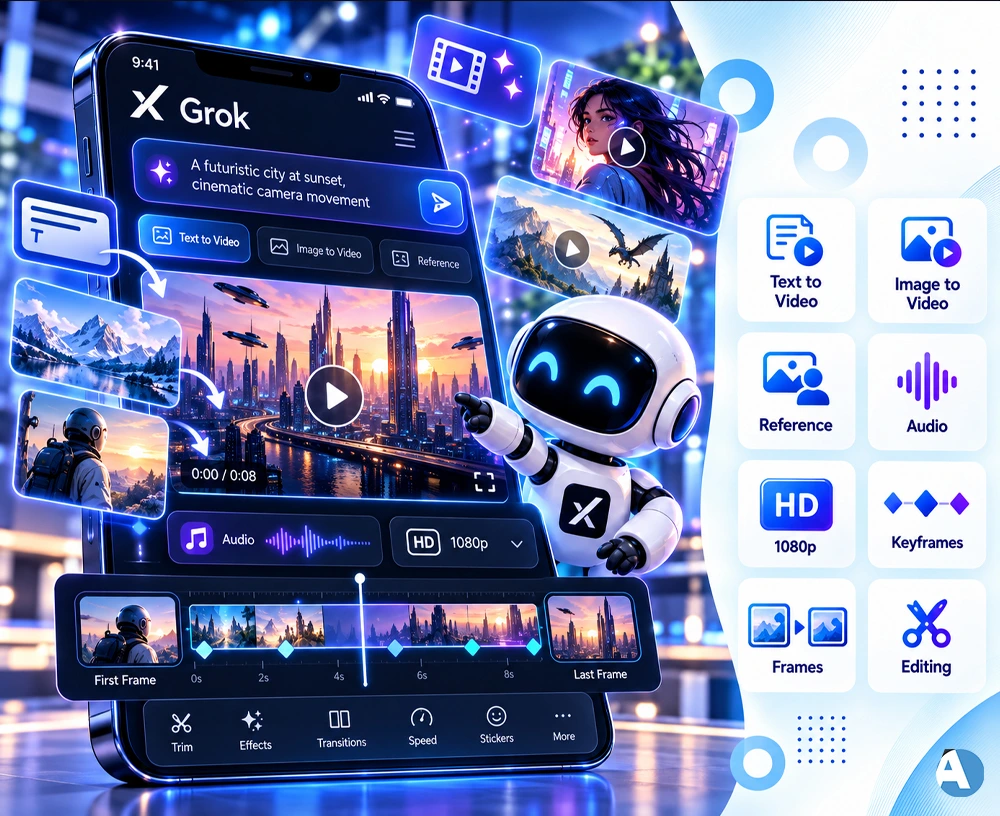
| Capability | What It Does |
| Text-to-video | Creates a video from a written prompt |
| Image-to-video | Animates an existing image |
| Reference-to-video | Uses reference images to guide the result |
| Audio generation | Adds dialogue, sound effects, and ambience |
| 1080p generation | Supports Full HD for text-to-video and image-to-video |
| Keyframes | Helps control specific moments in a clip |
| First and last frames | Gives more control over how a clip begins and ends |
| Video editing | Allows existing videos to be modified |
Such functionalities offer a level of creator control that exceeds what can be expected from a basic prompt-to-video system. Certain aspects can also offer a range of resolution models which ultimately affect the quality of the produced video.
Text-to-Video Generation
One doesn’t require an existing visual to make videos using the text-to-video feature. Users can find their way from providing information on the subject matter, location, movement, camera angle, illumination, and mood.
Another instance is of a creator instructing Grok to produce a cinematic image of a car traversing a wet city at night. The video is created based on the description.
Furthermore, Grok Imagine Video 1.5 has the ability of full HD quality for text-to-video and interestingly, according to xAI text-to-video works by creating the image first and then making it animated although the user has to ask only once for the video to be generated.
Image-to-Video Generation
The function of creating video from stills is one of the useful Grok features available to the creators already utilizing AI-generated graphics.
You upload your still image and state what sort of movement you want to see associated with it. Using the image you uploaded as a starting point, Grok creates animation based on it instead of producing an entirely new image.
The current model also has an option for generating image to video in 1080p HD. This may prove useful for anybody who wishes to transform their character artwork, product visuals, photographs, or illustrations into videos.
If you’re already making AI images, you may want to check other tools covered by AIResource, including Skan AI and many other functions designed for the creation of complete AI workflows.
Reference Images and Character Consistency
Reference-to-video is another great feature brought in the 2026 release. Makers can use images to define different components instead of text-only prompts.
One can be utilized for illustrating a character and the other one may serve as a reference image for clothing or any product. The use of images provides the model with more visual data while composing the scene.
The current xAI guide specifies that up to seven images may be used at a time. Grok Imagine Video 1.5 has a unique ability of adding voice presets to reference-to-video. However, at the moment, the resolution of reference-to-video doesn’t exceed 720p, which may cause some inconvenience to users.
Audio, Dialogue and Sound Effects
Another domain where Grok has made progress is audio.
Grok Imagine Video 1.5 can produce dialogue, sound effects, and background ambience along with the video. xAI states that the upgraded model enhances the clarity of speech and synchronization between audio and actions.
This means that a video clip can sound more complete since creators do not need to add all sound effects separately after making the video.
For instance, a short scene may depict a character talking, while background sounds and sound effects will be created in the process.
Better Motion and Physics
In the past, video created using Artificial Intelligence has had difficulty producing realistic movements. Objects can have different forms, hands may lack uniformity, and the physical actions within a scene may seem unbelievable.
Grok Imagine Video version 1.5 addresses this limitation by working on improving motion and the laws of physics governing it. According to xAI, this newer release produces fewer distortions in the images based on charges obtained. This improvement will be relevant especially to situations, in which walking, vehicles, sports activities, moving objects, or human interaction with the environment occur.
Keyframes and Frame Control
Grok’s recent update to its video process also allows creators to take charge of particular conditions in a video.
By using keyframes, users can add images at certain points in the clip. The model will fill in the elements in between the frames.
The present documentation allows for up to four keyframe points in a clip, in addition to using first and last frame positions.
This could be useful for the creator if they know how they want the content to begin and finish, and they want the AI to take care of what lies in between.
How Creators Can Use Grok Video Generation
The flexibility of Grok makes it useful for several types of content.
Creators can use it for:
- YouTube Shorts
- TikTok and Instagram videos
- Product demonstrations
- AI storytelling
- Animated photographs
- Character videos
- Marketing concepts
- Social media visuals
- Background footage
- Creative experiments
For a person producing content on a regular basis, Grok can save time needed for producing short visual ideas. It can work together with classic video editing instruments as well. As an example, when the creator has several short clips he can find the strongest parts of them and create a video.
Grok AI Video Generation for Developers
Grok’s video capabilities go beyond just the consumer experience; xAI offers API access to developers wishing to integrate video generation into their applications.
The API offers options to configure multiple parameters such as duration, aspect ratio, resolution, text prompts, and image inputs required, as well as different video generation modes. It also contains a model page with pricing based on duration and resolution of the video.
Furthermore, developers can access Grok Imagine Video 1.5 through platforms like Replicate’s Grok video model, making it convenient for them to experiment with the model.
Is Grok Good for Professional Video Creation?
Even though Grok’s video creator has become much better, it can still not be treated as a way to fully replace existing methods of producing videos.
Moreover, different scenes may still require multiple attempts before a satisfactory result is produced. Some aspects of the process can be adjusted, such as the consistency of characters, accuracy of movements, or details of the story.
One way to do this effectively is to generate several short videos, select the most successful one, and edit it in the video editor. This affords more control over the final product than just one generation of video.
For those who want to enhance their skills in prompt creation, the updated Grok Imagine Video 1.5 prompting guide provides explanations of various workflows concerning animation of images, maintenance of character consistency or sound, etc.
What Makes Grok AI Video Generation Different in 2026?
The most significant transition has been with regard to the level of control that the users have. Grok now includes more than merely text based animation. The software gives users the opportunity to use images, sources, sounds, voice clips, keyframes, etc. together with the capability to generate output of fine quality.
That is why Grok has become really appealing to creators dealing with short form videos, who need to deliver visual content as quickly as possible without the necessity of filming each scene by themselves.
Conclusion
The video-generating capacity of Grok AI’s 2026 technology provides an insight into the speed with which AI video creation technologies are advancing. Text-to-video permits organizations to launch a project with just a notion, while image-to-video technology animates an image already available.
By employing reference images, sound generating technologies, and a provision permitting the creation of key frames and 1080p resolution, video producers have their work cut out in terms of achieving the desired result. With that in mind, however, the technology has numerous limitations in terms of the picture resolution, therefore making it occasionally difficult to produce complex videos.
Grok can be beneficial for short form video creators, marketers, and all kinds of enthusiasts using AI in their work.
FAQs
1. Is it possible for Grok to create videos from text?
Yes, Grok Imagine Video 1.5 includes a feature for converting text into videos. Users are able to enter descriptions of scenes while detailing things like movement, camera perspective, and style.
2. Can Grok make videos in 1080p resolution?
Yes, using Grok Imagine Video 1.5, users can make image-to-video and text-to-video clips in the full 1080p. However, at present, there is only the option of creating reference-to-video videos in lower 720p resolution.
3. Can Grok transform a picture into a clip?
Yes. Users only need to provide a static image and communicate the motion they intend. Grok then takes that picture as the starting image for the generated video.
