


It was once necessary to have video editing abilities and costly programs to convert an image into a video. Nowadays, several AI apps can accomplish most of the job automatically. The free AI photo-to-video tool converts an ordinary photo into an animated video full of movements, transitions, camera effects, etc.
This is very useful for the creators of social network content, marketing specialists, bloggers, and other people who need visual content urgently.
What Is a Free AI Photo to Video Generator?
The tool called a free AI photo-to-video generator is the one that takes an image and turns it into a video. This tool is capable of animating photos rather than keeping them still. This happens when the tool understands the image and makes a movement according to your request.
For instance, it is possible to add movement such as a slow movement in your landscape image. A product image can change into a video aimed at promotion.
Most of the tools work through a web browser or do not require you to have a professional photo editing program.
How does AI make a video from a photo?
The procedure is uncomplicated. You upload an image in the AI video application. The application inspects several components including individuals, items, backdrops and overall structure.
Subsequently, you enter a written message giving details of the motion you expect to see. For example, you can tell the AI to perform a gradual zoom or create a landscape with moving clouds, flowing water and film shooting method.
The system will produce a brief video showing your uploaded image including the written guidelines. Next, you will look at the outcome to check how it aligns with your expectations.
If you use this technique, even people who are not skilled in making videos will succeed in making videos with the help of AI technology.
How to Use a Free AI Photo to Video Generator
You can usually create a video in a few simple steps:
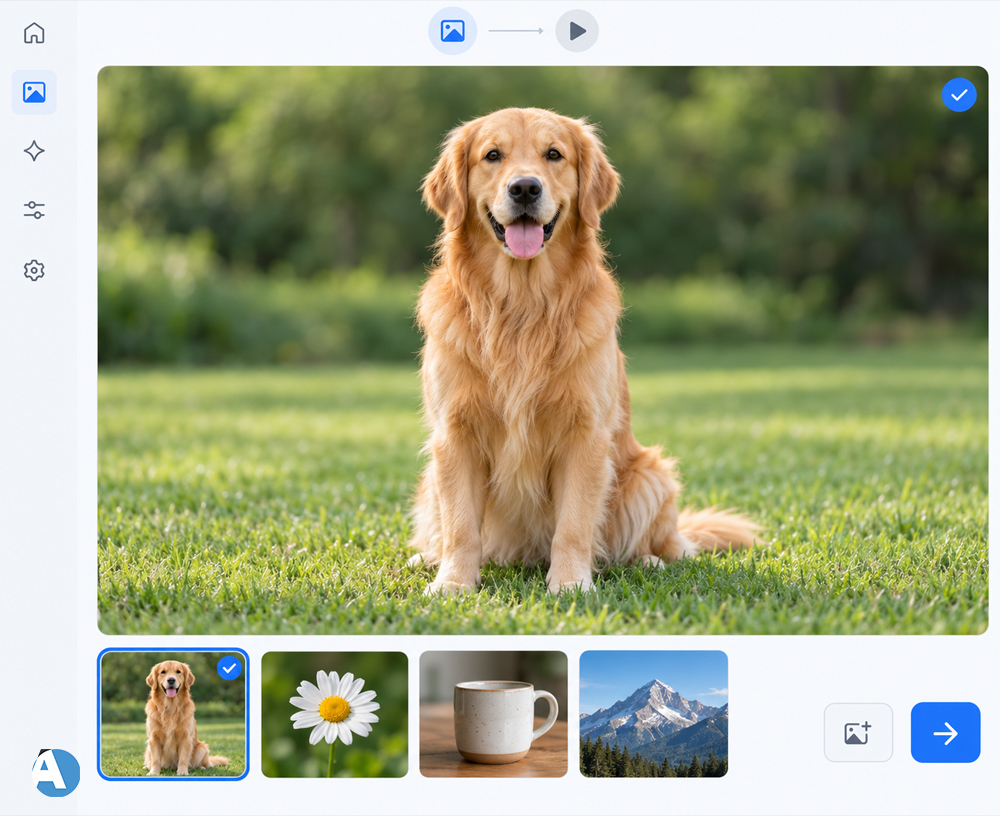
1. Select an Appropriate Picture
A good starting point is having a clear image that shows a subject. Pictures showing simple things and having a clear subject are always better as the Ai will know which element to look for.
2. Upload the Chosen Image
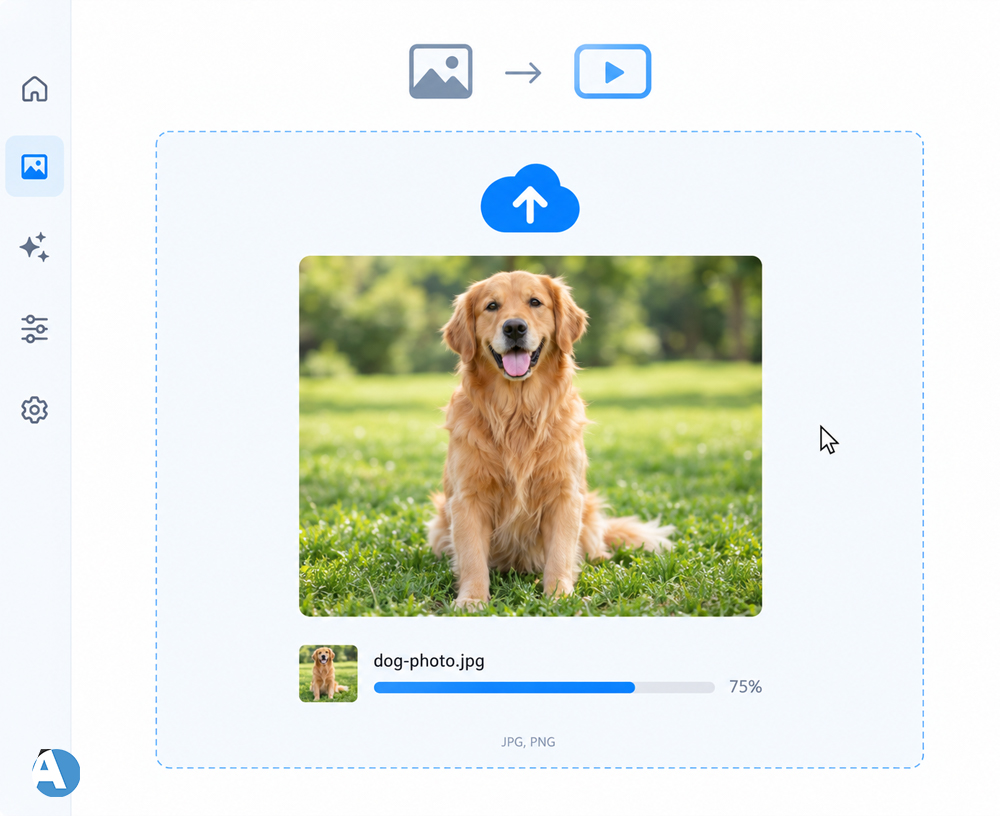
Go to the AI video making program you have chosen and upload the picture. Many tools support formats like JPG and PNG.
3. Write Down the Message
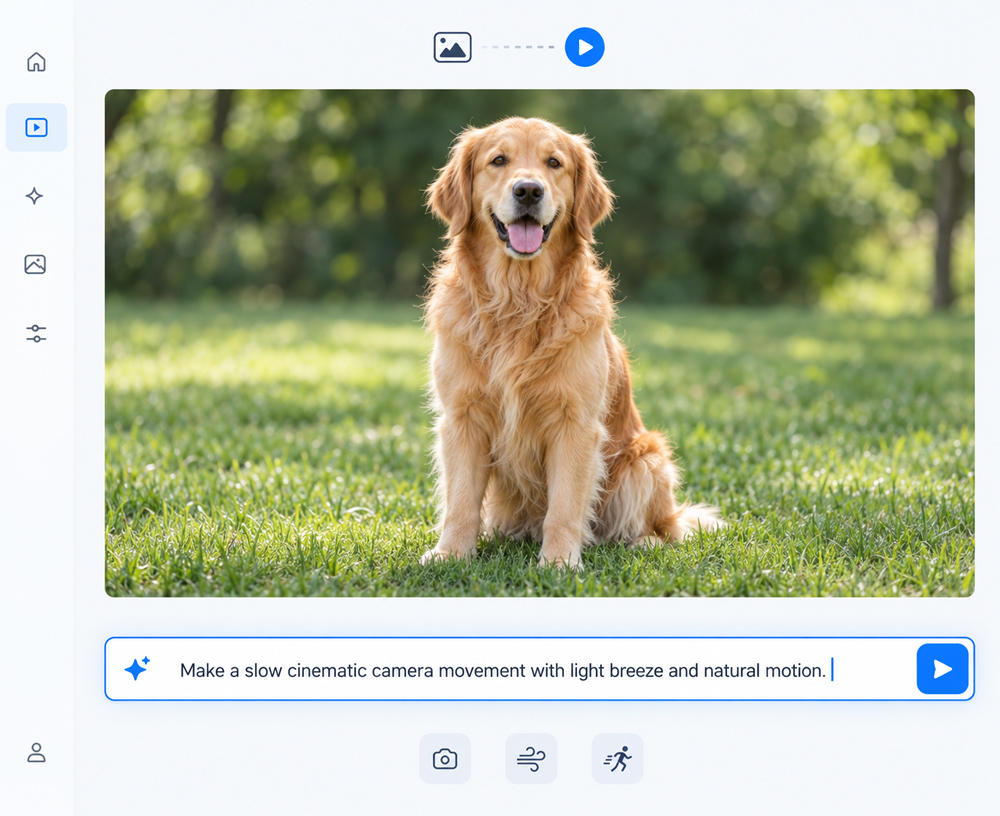
Here, once again tell the Ai what is to happen in the scene. You must be clear with your instructions.
For instance, you can write down:
“Make a slow cinematic camera movement with light breeze and natural motion.”
Any type of movement can be mentioned such as the camera movement, the movement of objects in the frame, and the movement of background objects.
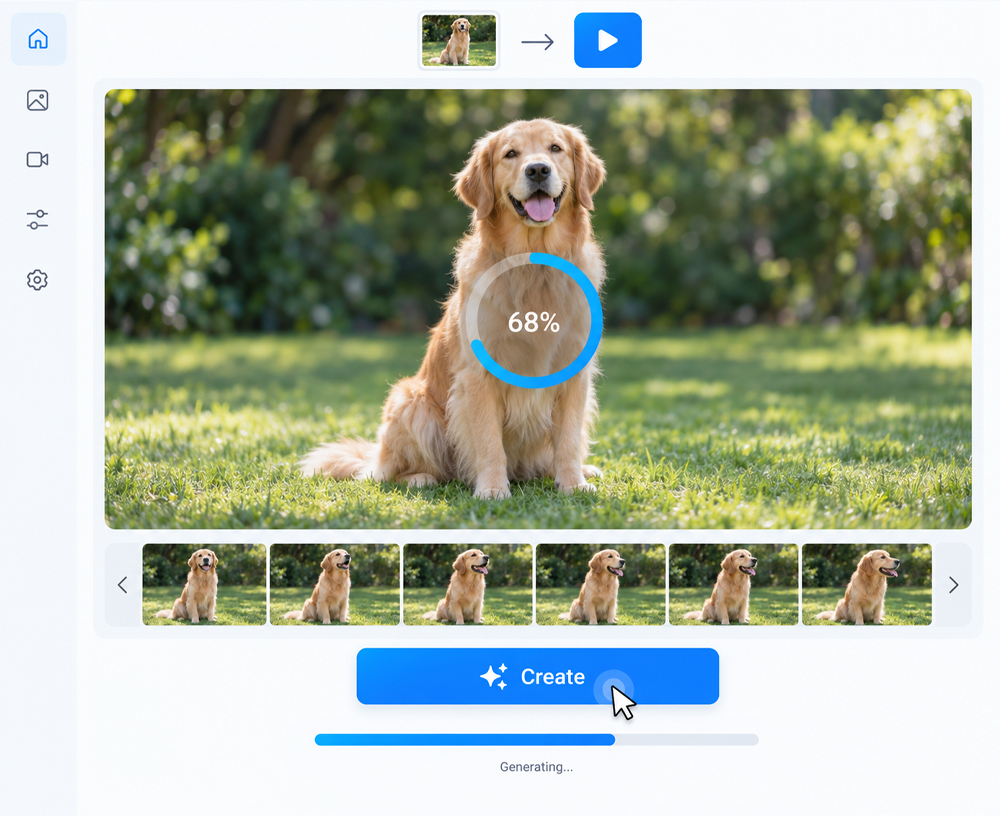
4. Create the Video
Just click create and see how Ai works. Each program processes pictures differently.
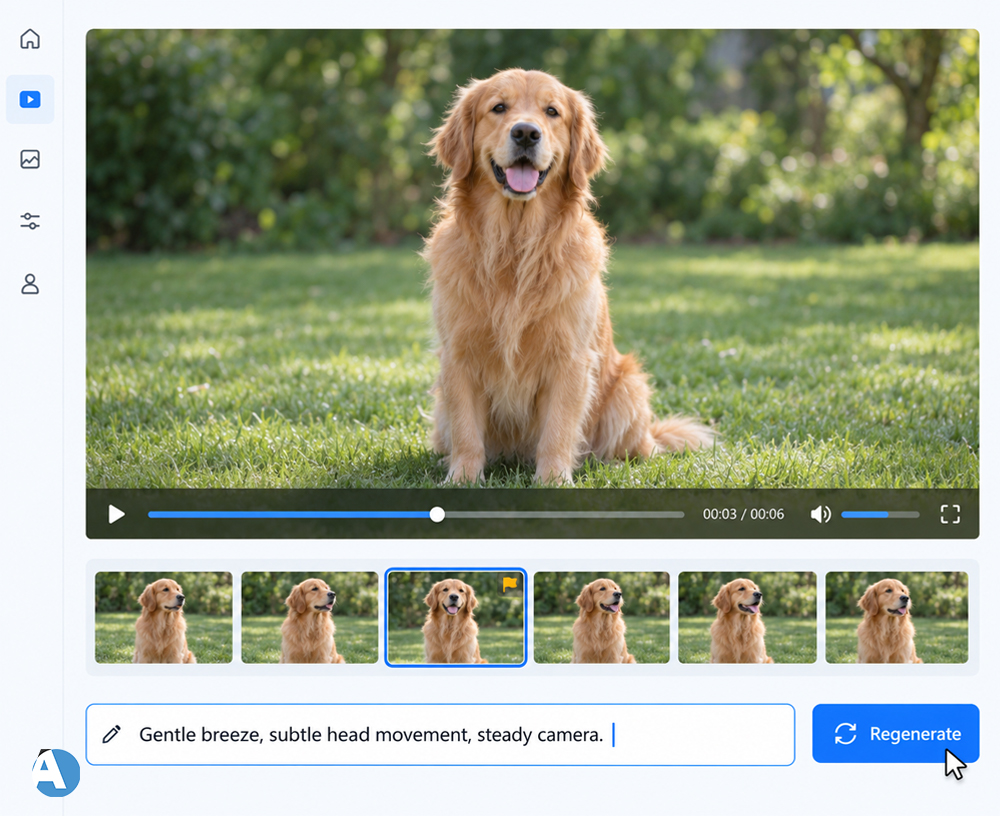
5. Inspect and Change the Video
Check the video you have created carefully. If you can see unnatural movements, change the prompt and create a new one.
What Can You Create With AI Photo to Video Tools?
A free AI photo to video generator can be useful for many types of content.
Social Media Videos
Creators have the ability to animate the images they upload for platforms such as Instagram Reels, TikTok, and YouTube Shorts, making it more interesting than a still image alone.
Product Promotion
For companies, animating product photos can be a great way to create promotional videos. A small amount of camera movement or basic animations can help showcase a specific product without creating a whole video.
Storytelling
Writers and filmmakers are also able to animate characters, places, and other images to make short visual stories.
Marketing
Marketers can use short videos produced by AI in commercials, brochure slides, websites, and even products.
If you are exploring other AI video tools, you can also check our Magic Hour AI review to learn more about another option for AI-powered video creation.
Benefits of Using a Free AI Photo to Video Generator
Convenience is one of the main benefits. You don’t need to shoot anything; just work with some existing image.
Another benefit is time efficiency that AI tools provide. You can obtain computer-generated animations, camera movements, and effects and use them in your video right away.
Moreover, AI tools are very accessible. Anyone can try video production based on AI regardless of their previous experience of using video editing software.
There are also free tools that allow testing AI before buying any features.
For more AI tool ideas, explore our AI Tools section for other useful platforms and guides.
Things to Check Before Choosing a Tool
Although there exists a plethora of video creation platforms powered by AI technology that can be utilized at no cost to users, it must be noted that differences in features of the various tools become apparent. Thus, prior to selecting a specific tool, it is important to evaluate its capabilities in terms of pricing, video quality, video resolution, watermark need, and export technique.
In addition, you should investigate what level of control the program provides over motion. Some companies allow basic generation of a video from an image, while others give more advanced capabilities.
Apart from that, another important subject with regard to using certain services is privacy. Before making use of any service, be sure to familiarize yourself with its privacy policy, particularly when you are about to upload photos of yourself or someone else.
Tips for Better AI Photo to Video Results
Utilize a high-definition picture if feasible. Refrain from using complicated pictures while getting started.
Your prompts also need to describe motion instead of merely stating what is clearly shown in the picture. For instance, instead of saying “a lovely woman outside,” one should say something like “slowly moving camera close-up with her hair swaying in the wind.”
Begin with a straightforward statement. When you have got a hang of how the system reacts, explore with intricate instructions.
You can also explore our Hailuo AI video generator guide for another AI video creation option.
Final Thoughts
An AI-powered image-to-video converter is a tool that transforms photos into small videos without having to do any substantial editing. The product can be used for creating anything from social media content to marketing or personal projects, as it allows users to test out video generation with ease.
The choice of software will determine the results, so it may be wise to experiment with different generators and prompts. Start with a static image and describe how you want it to move, making adjustments as necessary along the way until you have created the desired result.
FAQs
1. What is an AI photo to video generator for free?
An AI photo to video generator which is also free converts a photo into a short animation or movie while applying movements, camera effects, and many other features using AI technology.
2. Are there any ways for converting photos to video without any cost?
Yes, there are many AI video creators that allow you to generate videos at no cost, but the quality, length, and features of the created videos might vary depending on the provider.
3. How can I get better results from an AI photo to video generator?
If you want to get better results with an AI photo to video generator, you should take a clear, good-quality image and write a simple prompt that describes the movement, camera effect, or animation that is required.
