


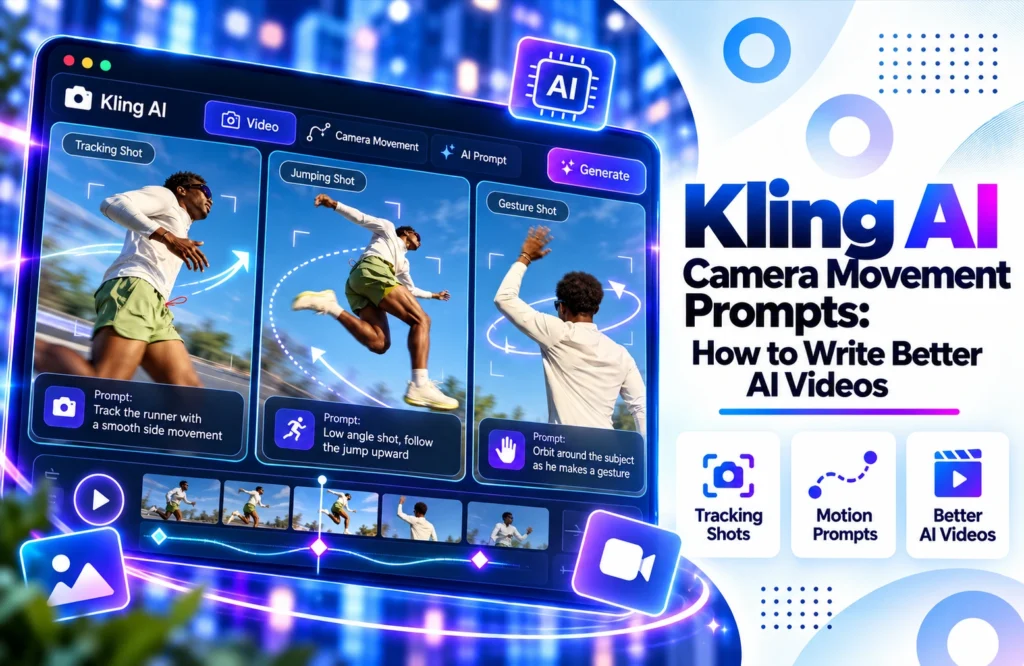
If an AI-generated video almost seems correct yet is dull in tone, the inability of the video is not in the object or taking quality but in the camera itself.
The character may be walking across the park, the automobile may be pressuring down the freeway, or the item may be shown on a table, but the shot would still look boring due to the static camera position.
This is why the characters of Kling AI are so effective. Rather than just specifying the plot, you’re able to tell Kling how to move the camera around the subject.
What Are Kling AI Camera Movement Prompts?
Camera movement prompts are the directives that specify the virtual camera’s functions during a shoot. They can include motions like pushing in or pulling out, panning, tilting, tracking, and rolling or zooming.
Kling’s camera system has horizontal and vertical movement capabilities, but also zooming and tilting as well as pan and roll functionalities and other pre-set combinations of moves.
Simply specifying the kind of camera move is not enough. One should determine the direction of camera movement.
For example:
“A woman stands on a rooftop during sunset and the camera moves toward her while the lights of the city are coming on.”
This gives the model the subject, the action taking place, the camera move, and the reason for it.
The Camera Movements Worth Using in Kling
There is no requirement for complicated filming techniques for each shot. It is often enough to make just a couple of easy moves to demonstrate various situations.
Push In:
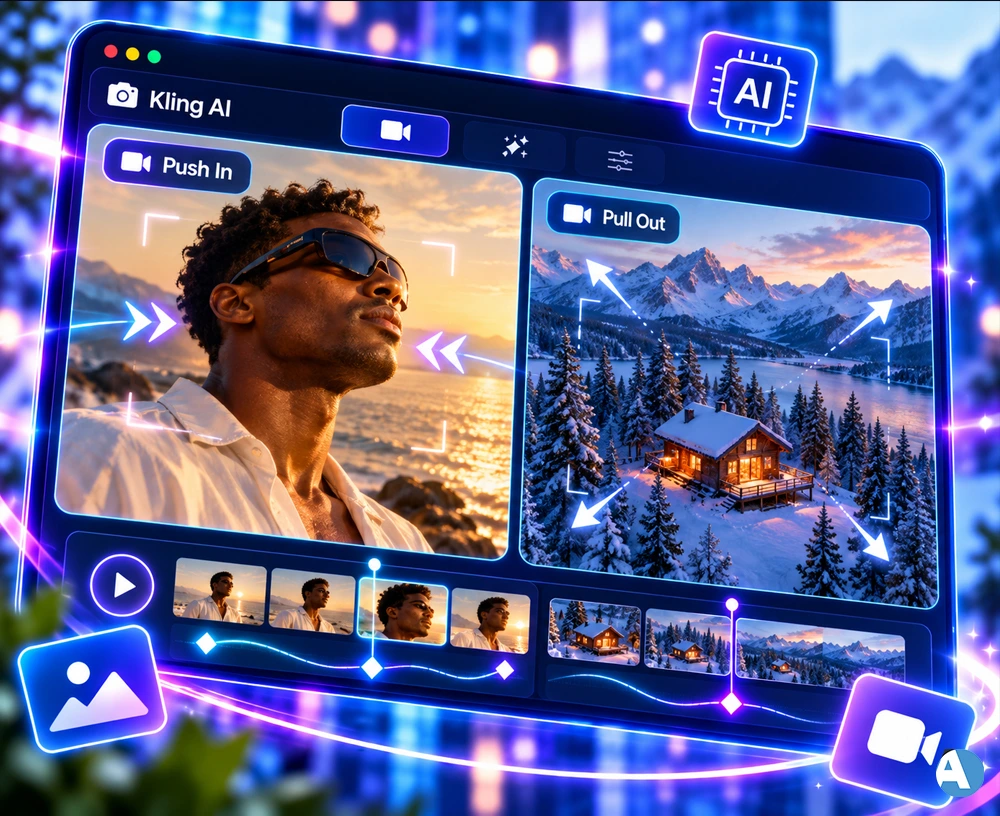
As we utilize the push in method, we see that the camera is moving closer to a given object. This is an effective technique employed in moments when we want to give importance to the face, item, or event being presented.
For instance,
“A man is looking at the ocean while the camera seizes his face and pushes in. The light is warm and soft, creating a friendly atmosphere depicted in the frame, and making the character relaxed.”
Pull Out
To pull out from the subject means to take the camera away from it and show more of the area around the subject.
Example:
“The setting of the scene is a small cabin located in the snowy woods and as the camera zooms out, the mountains and trees start surrounding the cabin.”
Such settings are important for the narration since they enrich the story being told.
Pan
A pan moves the camera horizontally. It can be useful when you want to reveal something beside the main subject or follow an object moving across the frame.
Prompt example:
“The camera slowly moves from the old stone structure toward the river, revealing a wide mountain scene.”
Pan and tracking are different things. In pan, the view of the camera moves without moving the camera itself but in tracking, the camera moves along the object. The movement of the camera is explained in the StudioBinder reference where you can find pan, tilt, tracking, dolly, zoom, etc.
Tilt
Tilt refers to vertical movement of the camera.
Tilt is useful when showing the height of a building, moving the view from the character’s hands to his/her face, or showing something above of the character.
For example:
“The camera slowly tilts from the woman’s hands to her face displaying a tall glass building behind her.”
Tracking Shot
Tracking shots are beneficial when there is a need to follow a character or a certain element in a moving shot with the help of a camera.
For instance:
“A biker is riding down the coast while the camera follows him laterally and smoothly in order to keep him in the middle of the frame.”
How to Write a Kling Camera Movement Prompt
Because of its straightforward form, writing billboards becomes easier.
Subject + Verb + Camera movement + Direction + Speed + Setting
For Example:
“A young woman is walking along a busy street in New York while the camera is moving further back slowly, focusing on her face, which is clearly seen in the center.”
As you can see, there is no need for many sentences about the camera.
Another example:
“A race car drives fast on the mountain road, while the camera is shooting from the back at a high speed, creating a motion blur with the sunset in the background.”
This explains the connection of motion with the subject.
Among other things, Kling’s new camera direction manual suggests to relate camera movement to actions and subject instead of adding the word “cinematic.”
Don’t Put Every Camera Movement Into One Prompt
Making the camera do too much is one of the most common mistakes.
For instance:
“The camera zooms in, pans, tilts up, spins round the character, pulls back, and then tracks right back in.”
Sounds impressive, but all these instructions conflict with one another.
It would be more appropriate to say that:
The shot zooms into the person walking in the hallway while keeping the person in the middle of the frame as much as possible.
First, you must repeat just one kind of action. After making this first action work, you can go on with other combinations.
Kling’s current advice states that if you want clearer and more predictable results, you should stick to one central camera move in one shot.
Match the Camera Movement to the Scene
The type of motion you choose will depend on what it is you would like to portray.
- In the case of a product shot, the slow push-in technique will show the details of the product.
- If you are shooting a geography scene, either a pull-out or a wide pan will reveal the place.
- When you want to shoot characters walking, tracking the shot will associate them with the camera.
- In the case of shooting an action scene, you can create an energetic shot using either a quick tracking move or a push-in.
The camera needs to be used for a reason. For instance, if a character is sitting at the table and drinking coffee, there is no reason for the camera to make a circular panning shot.
Camera Speed Makes a Difference
By varying the movement of the camera, one can achieve different effects depending on its speed.
When the camera moves slowly towards the subject, it approaches the scene in an emotional way. The quick movement signifies urgency.
The same is true for tracking moving images. For example, the slow tracking shot looks smooth, while the fast one conveys energy.
Instead of writing:
The camera tracks the subject.
Try:
“The camera tracks smoothly behind the subject at a slow, constant pace.”
That simple alteration helps Kling understand the needed camera movement more profoundly.
Documentary videos provided by Kling’s Adobe reveal how to manage the camera movements properly.
Use Camera Movement With the Subject’s Action
Camera motion becomes effective the moment it is linked with the actions of the object.
Instead of saying:
The camera moves ahead.
Use:
“The camera advances gradually as the female figure nears the door. “
Or:
“The camera slides back as the runner is reaching the viewer and the face stays in focus. “
This way, it will look like the camera is part of the events and not just an unexplainable animation incorporated at a later stage.
AI video technologies are advancing in various ways and thus a similar prompt may be interpreted differently by different platforms. For example, Luma AI provides another way of creating AI videos and is a different service that content makers can use.
Think About What the Viewer Should See
Keep only one question in mind before writing any camera prompts.
What will you show with the camera?
- If you want to show a landscape, you can use a pull-out.
- If you are more interested in showing a character’s reactions, you might want to try push-in.
- If you want to follow movements, tracking would be a great way.
- And if your aim is to show something to the side, just pan the camera.
This technique is much more effective than repeating the word “cinematic”. After all, camera movements are all about making the viewer see something at certain points in time.
If you want to try out different AI video generators, Hailuo AI Video Generator is one more option to test.
A Simple Kling Prompt Formula
When creating prompts from scratch, you can use this structure for the majority of scenes:
Character + Movement / Action + Camera Movement + Speed + Direction + Location:
For instance:
“A girl strolls along the street amidst rains and the camera pans from the left to the right at a slow speed capturing the wet road which is shining with bright colors of the lights.”
Or:
“A retro car travels upon the road near the sand beach while the camera zooms out in a slow manner to get the view of the cliffs and the ocean under the light of sunset.”
For example, saying:
“Filmatic, wonderful, epic, stunning camera movement does not help understand what should really happen with the camera.”
The instruction:
A slow tracking shot from behind in the center of the shot is much more effective.
Keep the Movement Consistent
Another thing to remember is consistency.
If the subject walks straight, the camera should not suddenly switch to a completely different shot without a good reason.
For instance:
“A woman is passing through the lobby of the hotel while the camera is pulling back and staying at the same distance ahead of her.”
This means that this shot is following a simple principle of visibility.
In case you want to change viewing points later on, this change should be visualized well.
For example:
“The camera pulls back and moves with the woman; then it makes a slow pan towards the chandelier above her.”
The movement appears to be consistent rather than being a mixture of any unconnected movements.
Final Thoughts
Kling AI camera motion prompts should not be too complex. The prompt must outline the shot subject, the activity that takes place at the shoot, the angle of the camera motion, and the speed of the effort. The first thing that should be identified is what kind of motion to be used to make the shot (for instance, only one of the possible motion types could be used). Then, it is essential to think about speed and distance in order to achieve the effect of reality.
FAQs
What is a good camera motion for Kling AI?
Camera pushes, pulls, pans, tilts and zooms are great options to start with. The options to choose from depends on the view of your subject and what you want your audience to notice.
How can I make the camera movements better in Kling AI?
I see where this is going. It’s important to be specific regarding what you are moving, as well as the directions and speed of these movements; however, specifics on these movements should not be specified without necessity, and you should not mix too many movement types in one prompt.
Can I use various forms of movements in Kling AI?
Of course, but it is preferable to use the most effective and clear form first and then work with more complicated movements later and combine them in the most clear way possible.
