


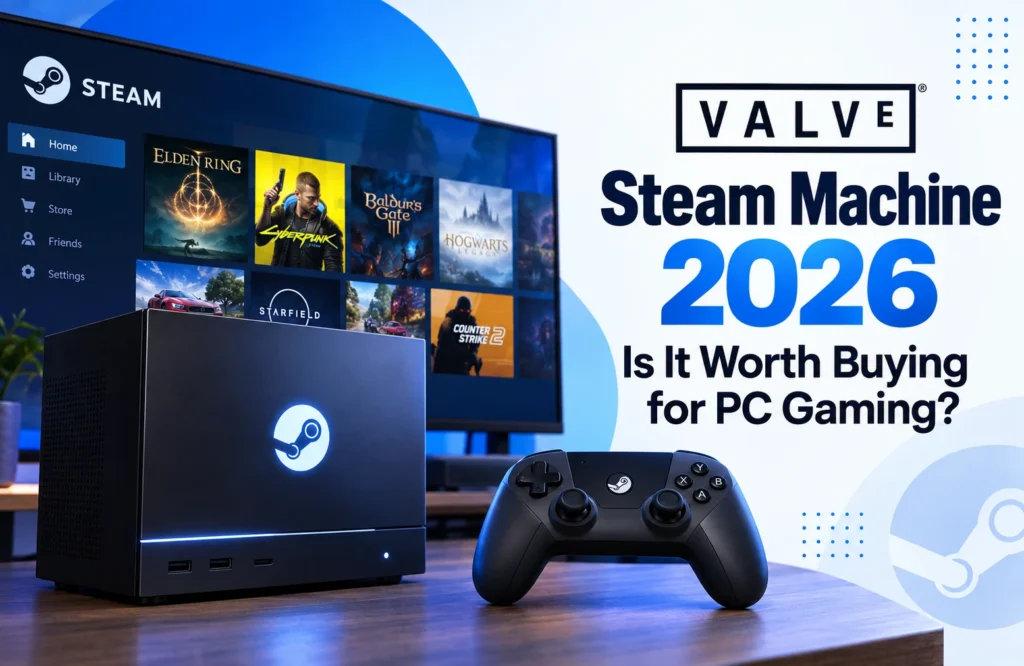
The Valve Steam Machine 2026 brings SteamOS from the Steam Deck to a compact living-room gaming PC. With a six-core AMD Zen 4 processor, RDNA 3 graphics, expandable storage, and a controller-friendly interface, it offers a console-like way to access a Steam library. However, with a starting price of $1,049, its value depends more on convenience and flexibility than raw performance.
What Is the Steam Machine?
Unlike the original Steam Machines released by third-party manufacturers, the 2026 model is designed around Valve’s own Steam ecosystem. It is a small PC intended for a television, gaming monitor, or desk, but SteamOS gives it a simpler, console-style interface.
The system still behaves like a computer. Users can connect standard peripherals, access desktop applications through KDE Plasma, and install Windows or another operating system when necessary. That combination makes it more flexible than a traditional console, although it may require more setup.
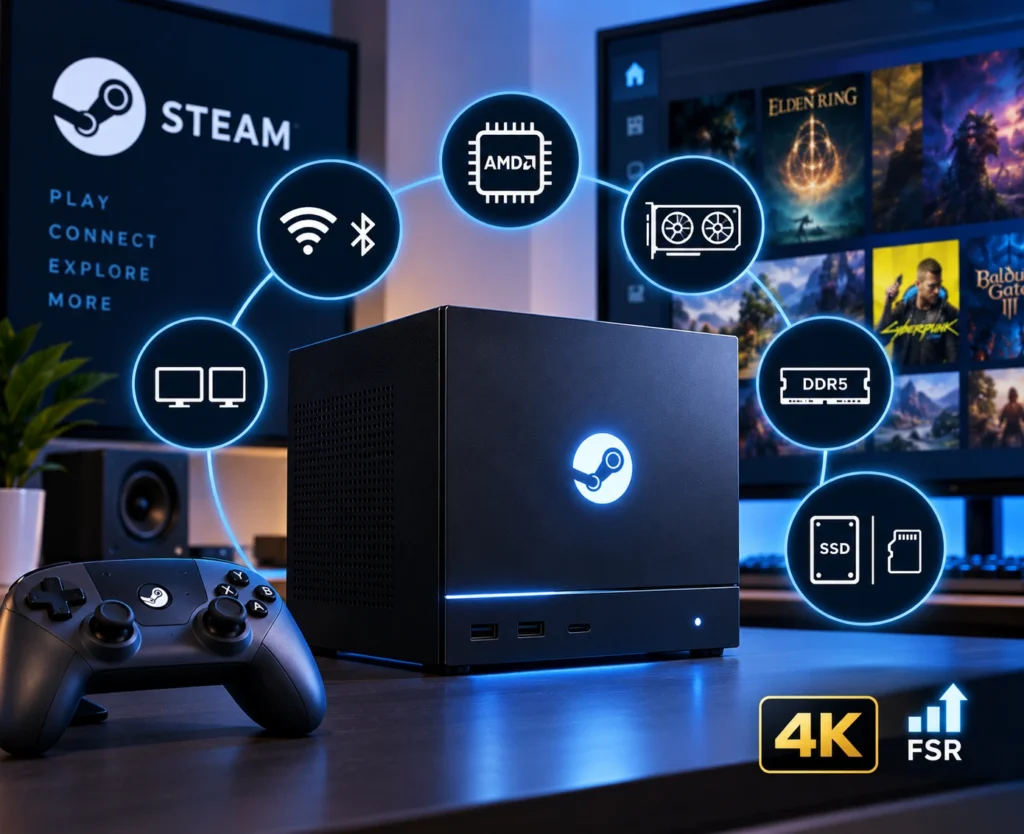
Valve Steam Machine 2026 Specs
Both storage versions use the same processor, graphics hardware, memory, and connectivity. The main difference is capacity.
| Specification | Valve Steam Machine 2026 |
|---|---|
| CPU | Semi-custom AMD Zen 4, 6 cores / 12 threads |
| GPU | Semi-custom AMD RDNA 3, 28 compute units |
| Memory | 16GB DDR5, 8GB GDDR6 VRAM |
| Storage | 512GB or 2TB NVMe SSD |
| Expansion | High-speed microSD slot |
| Wireless | Wi-Fi 6E, Bluetooth 5.3 |
| Display outputs | DisplayPort 1.4, HDMI 2.0 |
| Operating system | SteamOS 3 |
| Weight | 2.6kg |
Valve says the system delivers more than six times the horsepower of the Steam Deck and supports output up to 4K using AMD’s FSR technology. It is considerably stronger than the handheld, but it is not intended to compete with high-end desktop gaming PCs.
Gaming Performance
The six-core Zen 4 processor should handle current PC games comfortably. The RDNA 3 graphics processor is better suited to 1080p and 1440p gaming than demanding native 4K performance.
At 1080p, many games should run well with high settings and strong frame rates. At 1440p, players may need to adjust quality settings depending on the title. Valve’s 4K claims rely heavily on upscaling and frame generation rather than rendering every game at native 4K.
The 8GB of VRAM is the main limitation. It should be adequate for many games, but texture-heavy AAA titles can become more demanding, especially at higher resolutions. Buyers expecting maximum settings and native 4K should consider a more powerful desktop PC instead.
Why SteamOS Matters
SteamOS is the Steam Machine’s biggest advantage. Its interface is designed for controller use, with quick access to the Steam library, cloud saves, and features familiar to Steam Deck owners.
Compared with a Windows desktop connected to a television, SteamOS reduces friction. Users can start directly in a gaming interface instead of navigating desktop menus, launchers, scaling issues, and update prompts.
Desktop mode preserves the flexibility of a PC. Users can browse files, install compatible software, connect a keyboard and mouse, and perform ordinary computer tasks. Windows is also an option for software or games that do not work properly under Linux, although that reduces some of SteamOS’s simplicity.
Steam Game Compatibility
Because SteamOS is Linux-based, many Windows games run through Valve’s Proton compatibility layer. Proton has made a large Steam library practical on Linux, but not every game works perfectly.
Potential problem areas include:
- Competitive games with unsupported anti-cheat systems
- Titles that require specific third-party launchers
- Older games with unusual dependencies
- Multiplayer software built around Windows-only components
Valve’s Verified, Playable, Unplayable, and Unknown ratings provide a useful starting point. However, competitive players should check their most important games individually. ProtonDB and community reports can reveal launch options, bugs, or workarounds that the official rating may not explain.
Storage and Connectivity
The 512GB model is suitable for players who install a few games at a time, but large AAA titles can consume storage quickly. The 2TB version is more convenient for a large library, though it costs considerably more. Both models support microSD expansion.
Connectivity is strong for a compact PC. The system includes DisplayPort 1.4, HDMI 2.0, USB-A and USB-C ports, Gigabit Ethernet, Wi-Fi 6E, and Bluetooth 5.3. Valve lists support for high-resolution and high-refresh displays, although those output capabilities do not guarantee equivalent in-game performance.
Compact Living-Room Design
The Steam Machine measures approximately 152 × 162.4 × 156mm and weighs about 2.6kg. Its small footprint makes it easier to place beside a television than a conventional gaming tower.
The power supply is built into the chassis, eliminating the need to hide a large external brick. Valve also designed the cooling system for quiet operation, which matters when the computer sits close to the player.
A customizable front LED strip can display system activity, show animations, or be disabled. These details are not essential, but they reinforce the Machine’s living-room focus.
Price and Alternatives
The 512GB Steam Machine costs $1,049, while the 2TB model costs $1,349 in the United States. Bundles with the Steam Controller add $79.
| Model | US Price |
|---|---|
| Steam Machine 512GB | $1,049 |
| Steam Machine 512GB + Controller | $1,128 |
| Steam Machine 2TB | $1,349 |
| Steam Machine 2TB + Controller | $1,428 |
At this price, a custom or prebuilt Windows gaming PC may offer stronger graphics performance or easier upgrades. A PlayStation 5 or Xbox Series X may also provide simpler, less expensive television gaming. The Steam Machine’s advantage is the combination of SteamOS, compact design, PC flexibility, and access to an existing Steam library.
The Steam Deck remains the better choice for portable gaming, while the Steam Machine is designed for fixed home use. The two can complement each other through Steam Link streaming.
Is the Valve Steam Machine 2026 Worth Buying?
The Valve Steam Machine 2026 is worth considering if you already own a large Steam library and want a quiet, compact PC for the living room. SteamOS makes it easier to use from a controller, while desktop mode, mods, expandable storage, and operating-system flexibility preserve the benefits of PC gaming.
It is less appealing if your priority is maximum performance per dollar, frequent hardware upgrades, Windows-only software, or guaranteed compatibility with competitive multiplayer games. Before buying, check your essential titles and compare the price with current gaming PC options.
For the right buyer, the Steam Machine delivers a convenient console-style Steam experience without giving up the openness of a real PC.
FAQs
Is the Valve Steam Machine 2026 a console or a PC?
It is a compact gaming PC that uses SteamOS to provide a console-like interface. Users can still access desktop applications, connect standard peripherals, and install Windows or another operating system.
Can the Steam Machine run games at 4K?
It can output games at up to 4K using technologies such as AMD FSR and frame generation. However, many demanding games may render internally at a lower resolution, so native 4K performance should not be expected in every title.
Will all Steam games work on the Steam Machine?
No. Many games run through Proton, but some titles may have problems with anti-cheat systems, third-party launchers, or Windows-only software. Check Valve’s compatibility rating and community reports before buying.
Which Steam Machine storage option should you choose?
The 512GB model is suitable for smaller libraries or players who regularly uninstall games. The 2TB version is more convenient for large AAA collections, but its higher price should be weighed against the cost of external or expandable storage.
Is the Steam Machine better than a gaming PC?
It is better for buyers who value a compact design, SteamOS, quiet operation, and simple living-room use. A custom or prebuilt Windows PC may be better for higher performance, easier upgrades, broader compatibility, and stronger value per dollar.
