


If you have been looking for how to turn off Character AI filter, you might have realized that certain texts or conversations are being restricted. Character.AI carries out content filtering on a platform level which means that there is nothing like a one-click option that completely disables the filter.
Can You Turn Off Character AI Filter?
Presently, Character.AI does not offer a legitimate toggle to disable its filter for inappropriate content. As stated in the Help Center, filtering is performed at the platform level and not as a setting configurable in a character definition.
If you’d like to check out some other AI chatbot platforms, please take a look at our Character.AI alternatives guide to compare different options.
Why Does Character AI Filter Messages?
Character.AI employs automated security systems to filter messages that are potentially in breach its rules. Certain messages may be filtered on the basis of their topic, language, or context.
The platform has further revised the way its filters work in terms of filtering fictional and roleplay messages. However, filtering still works as a component of the platform from the safety perspective.
What Can You Do Instead?
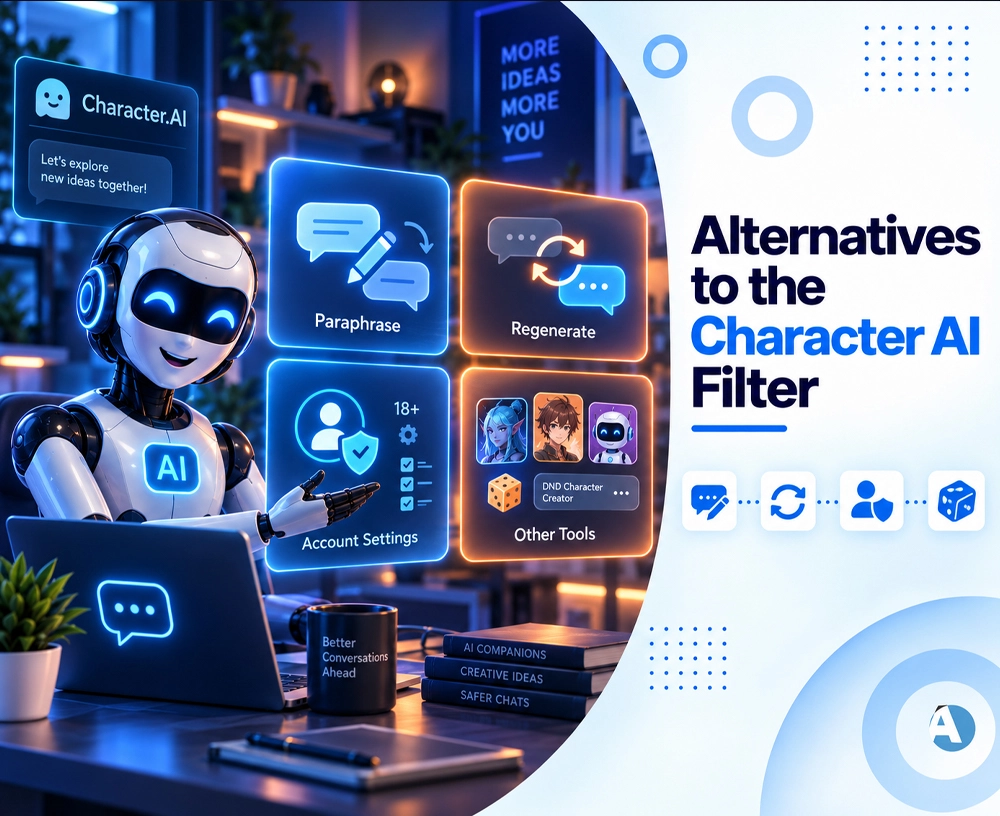
While it is impossible to completely disable the filter, there are a number of things that can be tried when standard chat is interrupted
1. Paraphrasing
If a harmless phrase is getting stuck, try to paraphrase it in clear words with appropriate meanings. Avoid unnecessary words that may obscure the meaning.
2. Regenerate the Answer
Sometimes, the difficulty lies just in unpredictable reactions of the AI. Character.AI normally suggests regenerating the answer if a character gives an improper or incomplete response.
3. Confirm That Your Account Is Configured Correctly
Considering the age group, users can enjoy different levels of safety while using Character.AI. Teenagers are subjected to strict regulations enabling the moderators to keep track of their behavior.
4. Use Other AI Character Tools
In case the primary purpose of using Character.AI is the creation of fictional characters, one may find out about DND Character Creator. One may study the differences in character calculators and find out what to resume.
Avoid Unofficial Filter Removal Tools
Ensure caution while using websites, add-ons, or downloads that purport to eliminate the Character AI filter. Such applications are not authentic Character.AI features and could represent a danger to your account and your security.
Do not grant your Character.AI login information to any unrecognized website only because it offers to release a filter feature that is supposedly concealed.
Conclusion
The solution to the question of how to turn off the Character AI filter is straightforward: as of now, there is no official way to eliminate the content filter used by Character AI. According to Character AI, the filtering process occurs inside the platform.
However, you may search for answers in rewriting your prompts, generating new responses, checking your account settings, or testing different AI character systems. There is a Character AI alternatives guide, where you can learn more about possible options.
FAQs
1. Is it possible to permanently disable the Character AI filter?
This is not possible. Currently, Character AI has no official option that can turn off its content filter completely.
2. Why does Character AI keep filtering my messages?
Character AI employs a content filter at the platform level to analyze messages that might breach its safety rules. The content filter evaluates the language, themes and context of the conversation in order to identify any inappropriate language.
3. Are there any alternatives to Character AI?
Absolutely. There are multiple AI character and chat applications with various features and protocols. You may check our guide to Character.AI alternatives and compare their pros and cons.
