


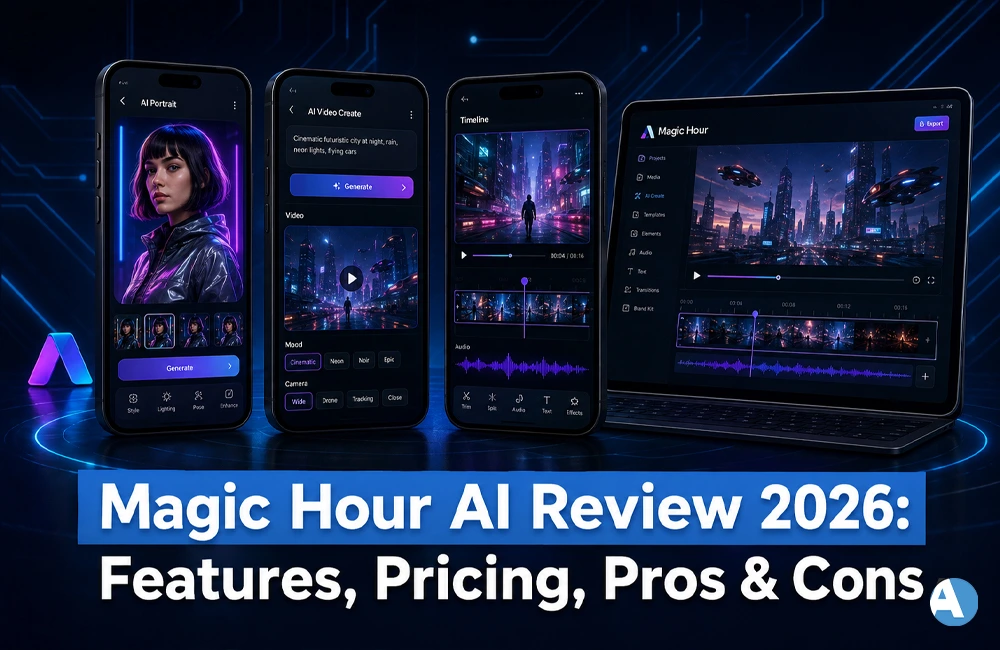
In the case that you have been on the lookout for a genuine Magic Hour AI review, you must be wondering one fundamental question: does this artificial intelligence video and imaging tool really replace five different apps that you are using for your content creation needs? In this Magic Hour AI review, we will be looking into the main characteristics of this app, its price, benefits, and shortcomings whenever compared with other applications such as Runway, Pika, or Kling AI.
What Is Magic Hour AI?
Magic Hour is a web-based AI media service developed by a Y Combinator-incubated company. By joining multiple AI-enabled video and image generation tools in one platform, Magic Hour eliminates the expense of subscribing to multiple different services. Its services are aimed at social media managers, marketing professionals, and ordinary users as well looking for simple and speedy media creation tools that do not require a complicated editing process.
Magic Hour does not build its own AI base models but rather it obtains licenses from various third-party AI models and incorporates them into user-friendly service interface. This approach helps it launch its product in no time, though it causes variations in quality of the generated output depending on which model is employed in a particular tool.
How Does Magic Hour AI Work?
Magic Hour’s process is straightforward.
- First, sign up for an account to create a profile containing your startup credits.
- Second, choose the tool you would like to use – whether text-to-video, image-to-video, face-swap, lip-sync, AI headshots, or one of the pre-made templates.
- Third, depending on the tool you are using, upload your source photo/clip or input text on what you want to generate.
- The next step is for Magic Hour to process your request; the preview of the produced video should appear shortly after.
- Finally, if the output is not satisfactory, you can download it as is or use some credits to reformulate your request until you are happy.
Magic Hour AI Key Features
Some of the advantages of this platform mentioned April along with other reviewers in their Magic Hour AI review include:
- Text to video: The platform allows one to create videos quickly from the text provided.
- Image to video: A much easier process that turns pictures into videos without breaking a sweat.
- Video to video: Changing the style of a video can also be performed by applying the style transfer to it.
- Face swap: This particular feature sets the platform apart from others.
- Lip sync: The function is widely known as the lip sync function and is also used in the marketplace.
- AI headshots and talking photos: The platform allows one to create talking profile pictures or leave still images speaking.
- Templates and API access: This platform also provides ready-made templates that can be quickly used for various video types and developers may access an application programming interface.
Magic Hour AI Pricing
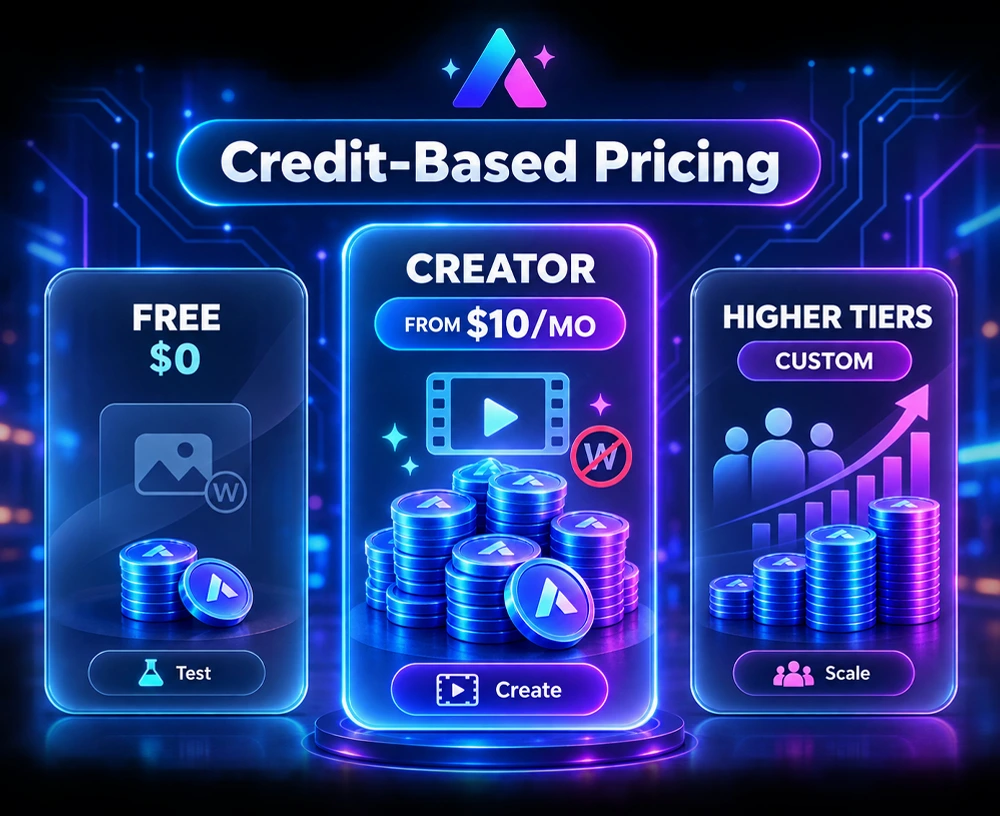
Magic Hour uses a credit-based system, and all plans unlock access to every tool — higher tiers simply include more credits and better output quality.
| Plan | Price | Credits | Best For |
| Free | $0 | ~400 starter credits (watermarked, limited clip length) | Testing the workflow before upgrading |
| Creator | From $10/month (billed annually) | 120,000 credits/year, no watermark | Individual creators and small teams |
| Higher Tiers | Custom pricing | Scales with usage | Agencies and high-volume creators |
Pricing and credit allotments can change, so it is worth checking the official Magic Hour pricing page before you subscribe.
Magic Hour AI Pros and Cons
Pros
- Reasonable starting option, with a truly operational free version.
- Face change and lip synchronization capabilities are often lauded as top-of-the-line for the price.
- Single account instead of 5 different subscriptions.
- APIs for programmers who want to automate content processes.
- Regular feature updates and template enhancements.
Cons
- There may be differences in output consistency depending on the tool and technology being used.
- In the eyes of some first-time users, credit-based pricing is rather perplexing.
- The software doesn’t permit the creation of fully narrated films in a single go, meaning the user will likely have to do some editing afterwards.
- The free version can leave watermarks and limit the length of a video.
Magic Hour AI vs Competitors
No Magic Hour AI review would be complete without comparing it to the other major AI video tools creators typically consider.
| Tool | Starting Price | Free Plan | Standout Feature |
| Magic Hour | ~$10/month | Yes, with watermark | All-in-one toolkit (face swap, lip sync, text-to-video) |
| Runway | ~$12/month | Limited credits | Cinematic motion and camera control |
| Pika | ~$8/month | Yes, no watermark | Creative effects (Pikaffects, Pikaswaps) |
| Kling AI | Free tier available | Yes | Long-form clips up to 2 minutes |
If you’re interested in controlling the camera in film, Runway is worth trying out. For longer clips, Kling AI is currently the best in this area. Pika is a favorite for quick and stylish effects mainly for social media. Magic Hour’s strength is its many features – all the tools for generating clips, swapping faces, and lip-syncing can be found in a single subscription instead of in three seperate subscriptions.
Who Should Use Magic Hour AI?
Magic Hour is particularly suited for:
- Content creators and small teams that wish to create a prototype using various AI video tools without paying for multiple subscriptions.
- Social media managers who wish to create different types of content such as Reels, Tiktok, and Shorts.
- Those wishing to accomplish realistic face swap effects or talking photos for a low cost.
However, Magic Hour is not a good fit for companies looking to create videos containing only one prompt, as this process involves the use of different tools with content creation needing to be completed separately.
Magic Hour AI Alternatives
Evaluating your different choices helps you determine the most suitable one for your operating method:
- Runway: More suitable for generating films or clips with camera control
- Pika: More convenient for producing speedy and stylistic special effects in social clips
- Kling AI: More relevant in case longer films are required
- In case you are mainly seeking face swapping and avatars, please read our DeepSwap AI review for another option
- If you are looking for a platform for producing images instead of videos, check OurDream.ai review
- You may also want to look through our Vincent AI review for a comparison of various creative platforms
Final Verdict: Is Magic Hour AI Worth It?
After going through this Magic Hour AI review, it is clear that the service lives up to its status of a powerful yet affordable all-in-one AI video editor. Although it cannot fully substitute a professional video editing software geared towards the creation of polished and lengthy marketing videos, Magic Hour is one of the most affordable options available in 2026 for people who want to make quick videos without purchasing several services at once. It is better to start using the service from the free plan to test the system and only upgrade once you start using it heavily.
Frequently Asked Questions
Is Magic Hour AI totally free?
Yes. Magic Hour has a free plan, which, however, has some limitations, such as having only a certain number of credits, watermarked clips, and restrictions on clip length. It is possible to switch to the Creator plan, which starts from $10/month, and have the watermark removed and additional credits unlocked.
Is Magic Hour AI safe to use?
Magic Hour is a browser-based app created by a Y Combinator-backed company, meaning it’s legitimate and doesn’t need heavy installation of software on your computer. However, since any AI-generated program has some risks, it’s recommended you do not upload sensitive images and constantly check the privacy policy.
What is Magic Hour AI good for?
Magic Hour is suitable for creators who need quick-generation content without too much hassle of using various apps such as face swap, lip sync, text-to-video, and image-to-video features altogether in one affordable subscription.
