


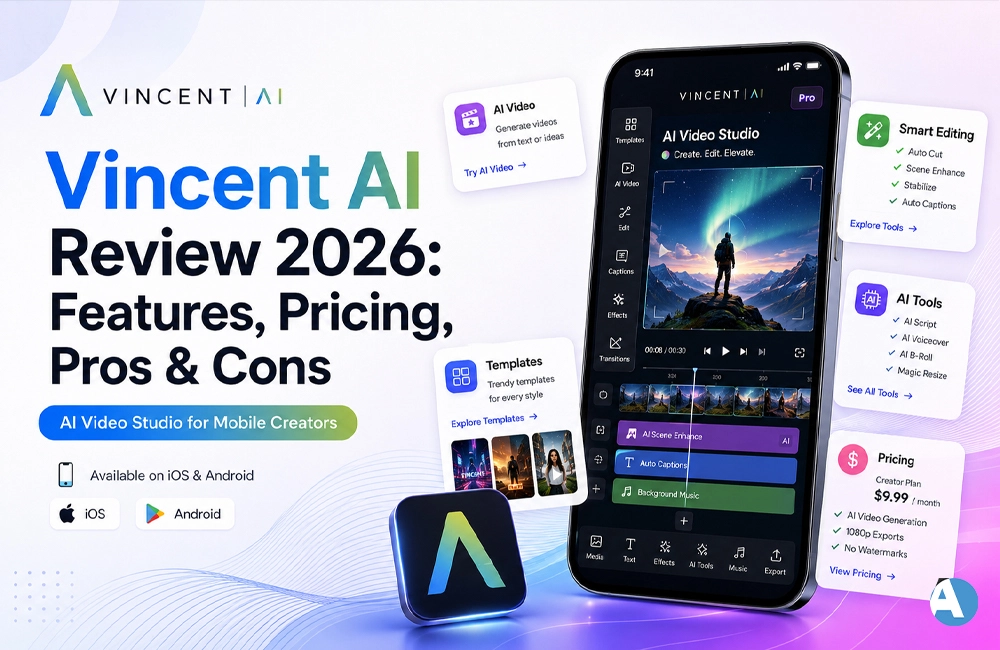
Vincent AI is a video and image creation software driven by artificial intelligence that transforms textual descriptions, dated pictures and brief videos into engaging, ready-for-sharing videos in no time. Developed by Arctec, Vincent AI is being widely used by people who want to create content even if they don’t know much about editing.
In this review of Vincent AI, we will go through the features available in this app, its pricing alternatives, and pros and cons of the software. Additionally, we will analyze how Vincent AI compares to its competitors.
What Is Vincent AI?
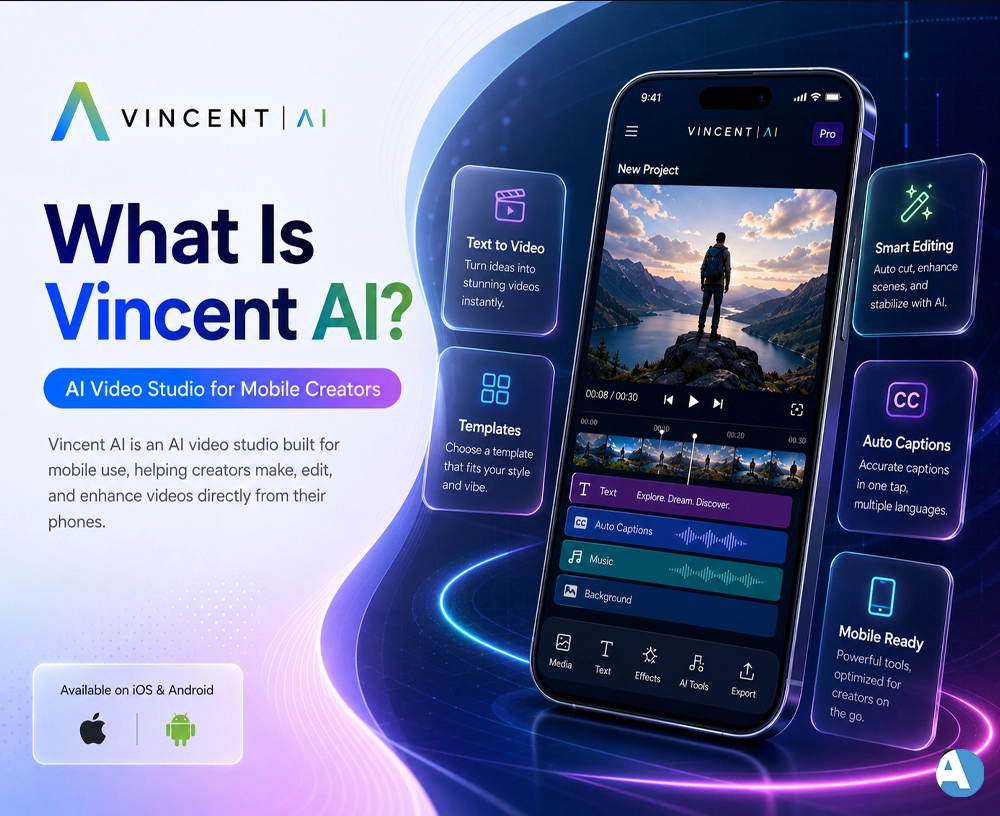
Vincent AI is an AI video studio built for mobile use available for download in both iOS and Android app stores. It helps users create videos based on written inputs, animate photos, swap faces, and employ its Mimic technology to reproduce real facial expressions in videos of static pictures.
Unlike conventional video editing programs, which demand manual adjustments to a timeline, Vincent AI is cloud-based, allowing complete novices to create beautiful videos in a matter of minutes.
Key Features of Vincent AI
Given below are the features of Vincent AI that you would want to try:
- Text to video: Describe your scene only in words and the software will change it into animated video.
- Photo animation: You can revive old pictures and even static photos.
- Face swap: You can easily put yourself or someone else into any video clip.
- Mimic technology: You can take real-life facial expressions from a video to paste it onto a picture.
- AI headshot generator: You can make business-ready profile pictures in multiple styles.
- Hot tempered summer changes: You will be using a tool that allows you to access all sorts of seasonal and viral effects for your videos.
- Fast cloud rendering: The overwhelming majority of videos are done within 60 seconds.
How Does Vincent AI Work?
It’s easy to use Vincent AI.
- Get the Vincent AI app from Google Play Store or App Store.
- Upload your desired photo, video, or type in a text description of your scene.
- Select the aspect ratio, style, and the duration of your video.
- Wait for Vincent AI to finish producing your video through cloud computing.
- Download or share your branded video directly on social media.
Pricing
- It’s easy to use Vincent AI.
- Get the Vincent AI app from Google Play Store or App Store.
- Upload your desired photo, video, or type in a text description of your scene.
- Select the aspect ratio, style, and the duration of your video.
- Wait for Vincent AI to finish producing your video through cloud computing.
- Download or share your branded video directly on social media.
Pros and Cons
| Pros | Cons |
| Beginner-friendly, no editing skills required | Credit system can feel restrictive on the free plan |
| Fast cloud-based rendering (under 1 minute for most jobs) | During periods of high traffic, some users have reported delays |
| Variety of styles – anime, cyberpunk, realistic etc | Premium features locked behind subscription |
| Face swap and Mimic tools are genuinely fun and realistic | Occasional crashes reported during heavy video generation |
| Auto-deletes data after 7 days for privacy | Pricing can add up for frequent, high-volume users |
Vincent AI vs Other AI Video Tools
Vincent AI is not the only AI video generation tool available. Let’s see how it compares with some popular competitors:
| Tool | Best For | Platform | Free Plan |
| Vincent AI | Photo animation, face swap, quick social clips | iOS, Android | Yes (limited credits) |
| Runway ML | Advanced text-to-video and creative filmmaking | Web | Yes (limited credits) |
| Pika Labs | Short-form AI video generation | Web, Discord | Yes (limited credits) |
| HeyGen | AI avatars and talking-head videos | Web | Yes (trial) |
| CapCut | Video editing with AI-assisted tools | Mobile, Web | Yes |
In case you’d like to learn more about face-swapping tools and AI in the video field, we recommend checking the DeepSwap AI and Wibbitz reviews described on our website. Anyone who specifically wishes to know more about photo animation software can also read the OurDream.ai review.
If you wish to know how the prices and features of Runway ML, Pika, and HeyGen differ from Vincent AI, see their respective official websites.
Is Vincent AI Safe to Use?
According to Vincent AI, uploaded videos or images get deleted automatically after seven days or whenever users request them to be deleted, which is a good privacy practice. However, as is the case with any other AI-based app that uses personal images and facial information, it is wise to read the privacy policy before uploading personal photos and never to upload pictures of others without permission.
Final Verdict: Should You Use Vincent AI?
Vincent AI is a great choice if you’re searching for a speedy and mobile-friendly method to convert pictures and text prompts into entertaining videos without mastering difficult editing software. It is particularly ideal for social media creators who need fast content that works well for any trend. Although advanced users or specialists who require sophisticated timeline features may find it better to use some other applications such as Runway ML, Vincent AI is ideal for all the common creative needs. If you are looking for more AI tools for content creation, check our complete collection of reviews in the Ai Tools section of Ai Resource.
Frequently Asked Questions
Sure thing, their platform is freely available with a restriction on the daily credits offered. However, a subscription will have to be purchased for unlimited, watermark-free creations.
Yes, it can be found on both Apple App Store and Google Play Store.
All materials uploaded to Vincent AI are eliminated after a week or upon your request, still, it’s your responsibility to go through Vincent AI terms of use before giving any personal material to the app.
