


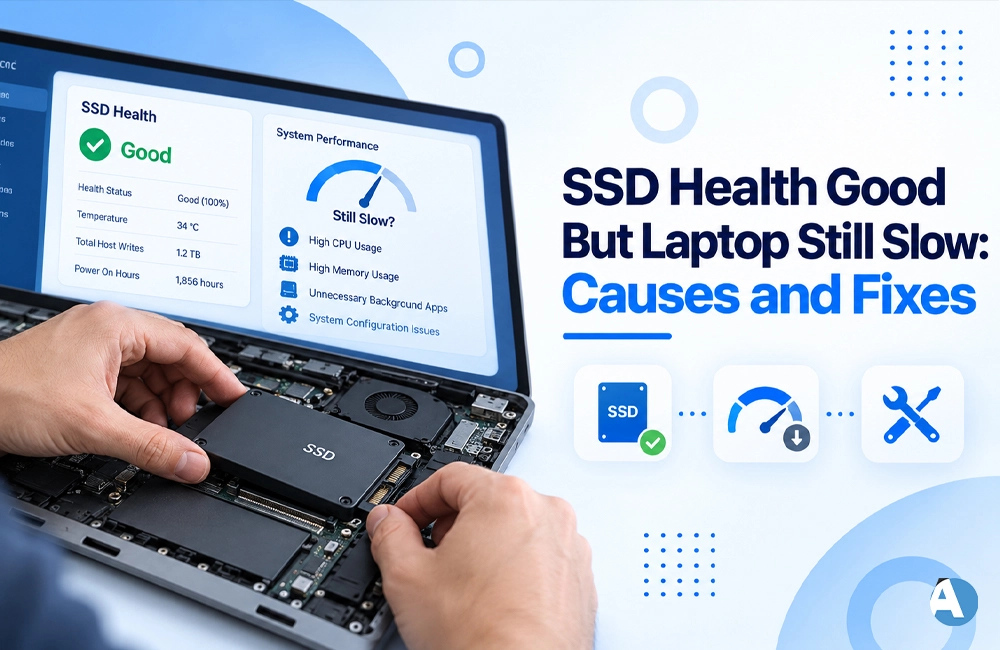
It can be confusing to observe that the SSD condition is functioning well yet the laptop is slow.
While SSD’s good health means the laptop should be smooth in performance, SSD’s condition is just one factor of laptop performance.
There may be several issues that create a situation when the laptop is acting slowly even if the SSD is functioning properly.
Why Is My Laptop Slow If SSD Health Is Good?
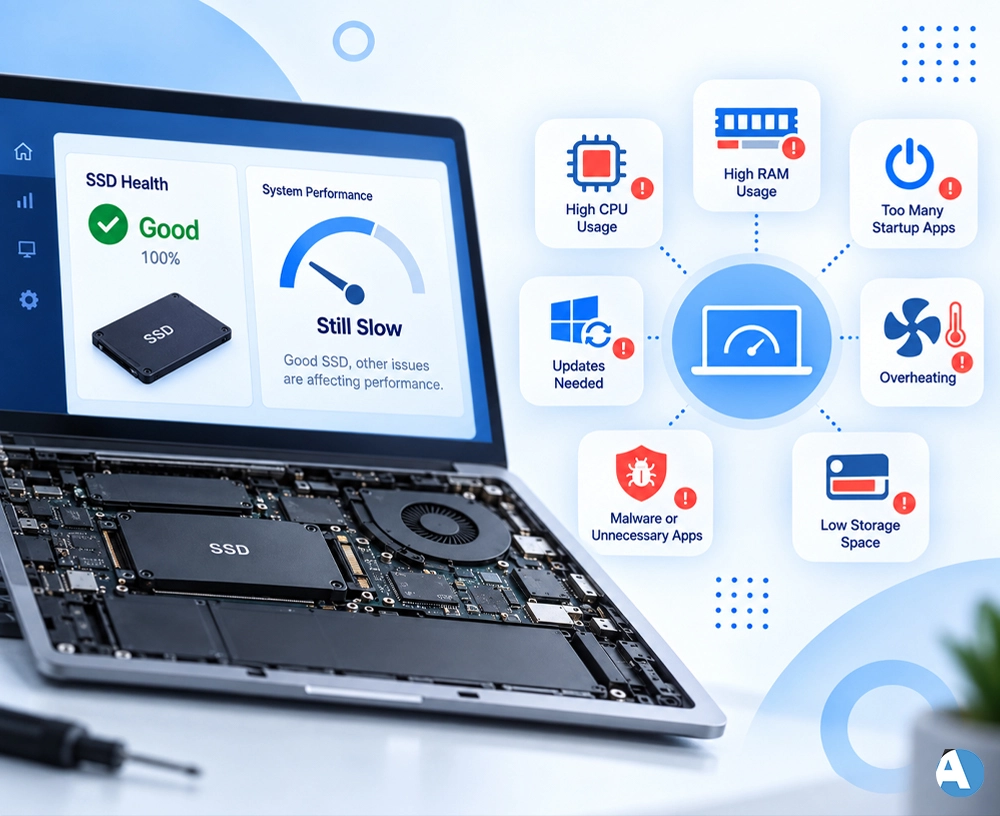
Although it is possible that an SSD in good health may be used in combination with other hardware that may not be performing well, your laptop may still run slowly for a variety of hardware and software-related reasons.
Here are some of the common reasons:
- Too many background processes
- High RAM usage
- Excessive number of startup apps
- Windows and drivers not up to date
- Overheating in the device or inefficient cooling
- Presence of malware or unnecessary programs
- Very little free space left on the device
If you are also concerned about other technology-related issues, you can explore our guide on “Why Is Uhoebeans Software Update Failing?“ for additional troubleshooting tips.
Check RAM and CPU Usage
Use “Ctrl + Shift + Esc” to launch the Task Manager. Once opened, click on the Processes tab to view processor and RAM usage statistics.
In case of unusually high memory/CPU utilization, there must be some unwanted software that slows the operating system down. Close unneeded applications.
Disable Unnecessary Startup Apps
Certain programs begin running automatically when you boot Windows. This can affect the time needed to boot your PC and how many resources are used as bootup occurs.
To stop unnecessary startup applications, use Task Manager to disable them.
Overheating Needs to be Monitored
Even if the SSD itself is working perfectly, if your laptop becomes too hot it can slow down. If it is too hot your computer’s processor may start slowing down to cool.
Make sure the vent is not blocked, and don’t use your laptop on soft surfaces such as beds. You need to use it on a hard and flat surface for proper air flow.
Keep Windows and Drivers Updated
Old versions of Windows updates or drivers may lead to performance issues. Verify Windows Update and download any updates that are available.
Additionally, you can check out our “technology manuals” for similar issues and other tech-related help.
Free Up SSD Storage
Even with good SSD health, low available space can have an adverse effect on the performance of a system. This means that it’s necessary to delete temporary files, useless software and any unnecessary data.
The availability of extra free space ensures that Windows and other software function properly.
Wrap-Up
If the SSD is healthy but the laptop is slow, that means it isn’t the reason for the problem.
Identifying CPU usage, RAM, heat production, drivers, and disk space usage is important in order to pinpoint the source of the problem with the laptop’s performance.
To read more guides related to technology and AI, visit ‘AI Resource’—the place to find valuable technological information.
FAQs
Is it possible for the SSD to be working fine but still be unable to perform?
Be careful to check your CPU and RAM usage when using several programs at the same time.
Do I have to replace my SSD?
As long as your SSD is functioning, there is no need to replace it. Rather, seek an alternative problem with your laptop, such as too many applications launching at startup , overheating problems, or a lack of storage space.
How to enhance my laptop’s performance?
If you want to enhance the performance of your laptop, you can take a few easy steps such as quitting some of the unnecessary programs, getting rid of some applications, clearing out the junk, and preventing certain programs from automatically launching.
