


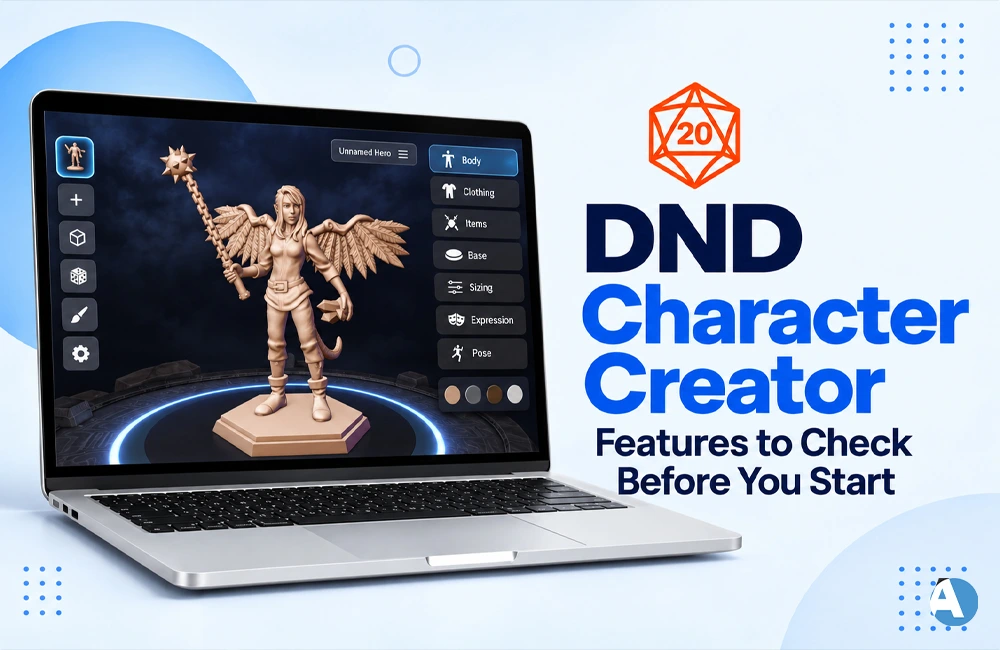
A DND character creator can turn a rough idea into a playable character, but its usefulness depends on more than an attractive interface. Before investing time in a builder, check its rules compatibility, calculations, customization, and export options. The right tool should help you understand your character and keep essential information accessible when your group starts playing.
What a Character Creator Does
Character creation tools serve different purposes. Some guide you through classes, ability scores, spells, and equipment. Others focus on names, personalities, and backstories. Understanding that distinction helps you choose software that addresses the part of character creation you actually find difficult.
| Tool type | Main benefit | What to check |
|---|---|---|
| Rules-based builder | Guided choices and automatic calculations | Supported rules and character options |
| AI assistant | Backstory and personality ideas | Accuracy of mechanical suggestions |
| Virtual tabletop builder | Character management connected to online play | Integration and transfer support |
| Editable sheet | Flexible manual recording | Calculation and checking workload |
A guided builder may handle statistics while an AI assistant helps develop a character’s voice. Combining them can be useful, provided you review the finished character rather than assuming both tools follow the same rules.
Check Rules Compatibility First
Confirm which rules your group uses before selecting character options. A broad “D&D compatible” label does not explain how a builder handles different versions. Look for clear source labels, version settings, and explanations when older material requires adjustments.
For example, the 2024 character creation rules use species, while backgrounds influence ability score increases. These relationships should be understandable in the interface. Ask your Dungeon Master which books and house rules apply before building around a particular option.
Search for your intended subclass, background, and important spells early. If something is missing, check content filters, account access, and campaign settings before purchasing anything. A missing choice may be hidden, unsupported, or available through additional content.
Look for Helpful Guidance
A good DND character creator explains what your choices mean during play. Beginners benefit from clear descriptions of class complexity, common responsibilities, and important abilities. Recommendations should explain their reasoning so you can judge whether they suit the character you want.
Editing should also feel straightforward. Change a major selection on a temporary character and check whether the builder identifies affected choices, preserves your notes, and updates relevant statistics. Experimenting with a concept should not require rebuilding the entire sheet.
Review Calculations and Leveling
Automatic calculations are most useful when their components remain visible. Look for explanations of ability modifiers, proficiency, equipment effects, and manual adjustments. A transparent breakdown makes an unexpected value easier to investigate and helps you understand what your character can do.
Check support for your group’s ability score method, then test advancement. The builder should make new choices and updated resources easy to identify. If you plan to multiclass, use custom equipment, or manage many spells, test those functions specifically before committing.
Automated validation does not replace campaign approval. Software can help identify incomplete selections, but your Dungeon Master still needs to approve restricted options and house-rule exceptions. Review the finished character against the expectations agreed with your group.
Assess Customization and AI Features
Customization should cover both mechanics and personality. A notes field works for a character’s habits, but a custom item affecting statistics needs more structured controls. Test a representative homebrew feature and check whether its description and effects appear correctly.
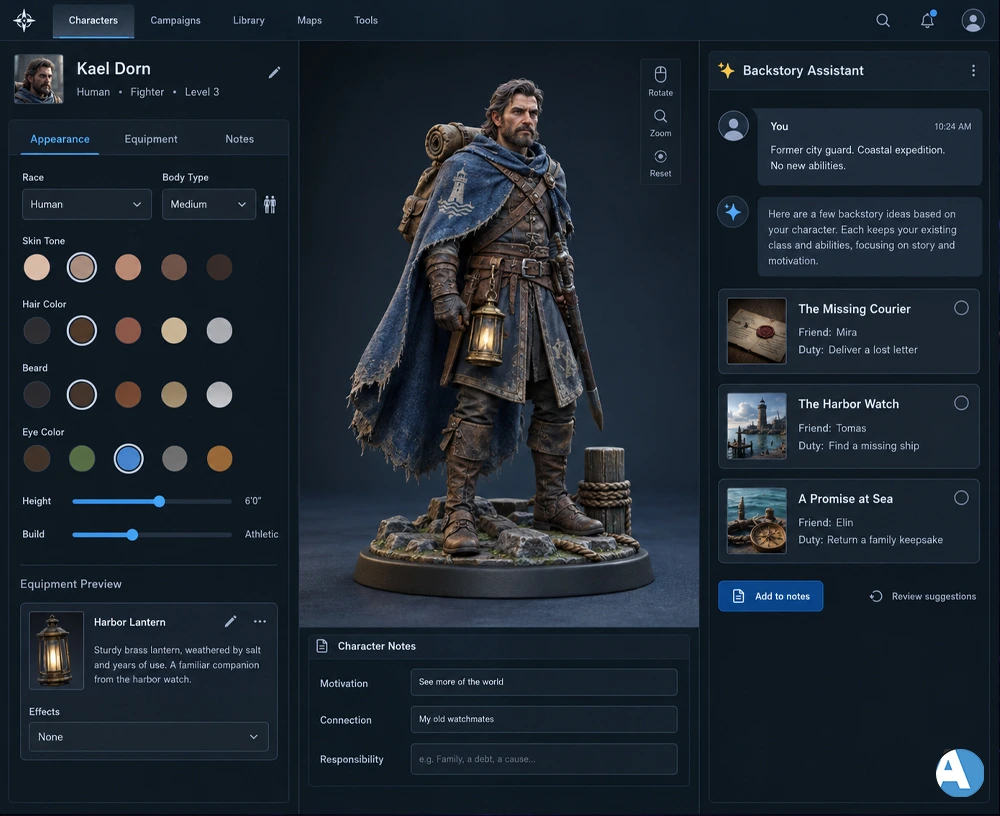
For backstories, prioritize playable details: a motivation, a living connection, and an unfinished responsibility. A former courier searching for a missing employer gives the campaign a useful starting point without requiring pages of history.
Jenova describes a conversational workflow for names, personality, backstories, and build notes. Treat such output as material to evaluate and adapt, particularly when suggestions affect game mechanics.
A focused prompt can improve relevance:
Suggest three short backstories for a former city guard joining a coastal expedition. Include one friend, one unfinished responsibility, and a reason to cooperate with the party. Do not invent mechanical abilities.
Verify any rules advice against the appropriate source.
Test Exports and Tabletop Connections
Open a sample sheet on the device you normally use during sessions. Check whether you can quickly find attacks, spells, resources, and notes. A layout that works on a desktop may become awkward on a phone.
Export the character and inspect the result. Confirm that descriptions remain readable and important details are included. A PDF preserves information, but it does not necessarily transfer working calculations or interactive controls into another platform. Test the actual destination when moving between tools.
Compare Free Access and Costs
D&D Beyond currently advertises six free character sheets and access to all 12 core classes. That does not mean every published character option is included. Confirm that your intended build fits the available content before deciding whether additional purchases are necessary.
Compare subscriptions, content purchases, character limits, and AI usage allowances separately. Also check what happens after cancellation: can you still access, edit, and export existing characters? For an occasional game, a free builder or editable sheet may already cover your needs.
Check Privacy and Reliability
Review sharing settings before sending a character link. Campaign secrets and private notes may need different visibility from the main sheet. For AI tools, check how conversations are stored and used before uploading unpublished material.
Run a short reliability check:
- Save a distinctive note and reopen the character.
- Confirm it appears on your usual device.
- Test the export or backup process.
- Check what remains available offline.
Choose Through a Practical Test
The best DND character creator is one that supports your campaign and stays convenient during play. Build a sample character, change equipment, test advancement, and export the sheet before paying. Once those essentials work, choose the creative features that help you develop a character you enjoy playing.
FAQs
Can I use a DND character creator for free?
Yes, some builders offer free character creation with basic options. Check whether your preferred subclass, background, and spells are included before paying for additional content.
Can an AI tool create a playable D&D character?
AI can suggest character concepts, backstories, and build ideas. However, verify its mechanical suggestions against your campaign’s rules and get your Dungeon Master’s approval where needed.
Can I add homebrew content to a character builder?
Some builders support custom items, abilities, and other homebrew options. The available controls vary, so test whether your custom content displays correctly and updates relevant statistics.
Can I print or export my character sheet?
Check whether your chosen tool supports printing or downloadable sheets. Inspect the export to ensure it includes readable spell descriptions, equipment, abilities, and notes you need during play.
Which features matter most for a beginner?
Prioritize clear instructions, understandable calculations, easy editing, and compatibility with your group’s rules. A builder that explains your choices can help you learn how your character works.
