


Despite its appearance, the creation of a landing page can take days because of the copywriting, designing, and testing involved. However, the goal of creating a new website with a shorter process is one of the benefits that Flint AI has over other traditional website builders. This is because they create pages based on a brand that already exists.
What Flint AI Does
Flint focuses on marketing pages, with a broader platform that includes a Google Ads agent. Its page-building workflow uses an existing website’s colors, typography, spacing, and visual patterns to guide new designs. This gives marketers a branded starting point for campaign content.
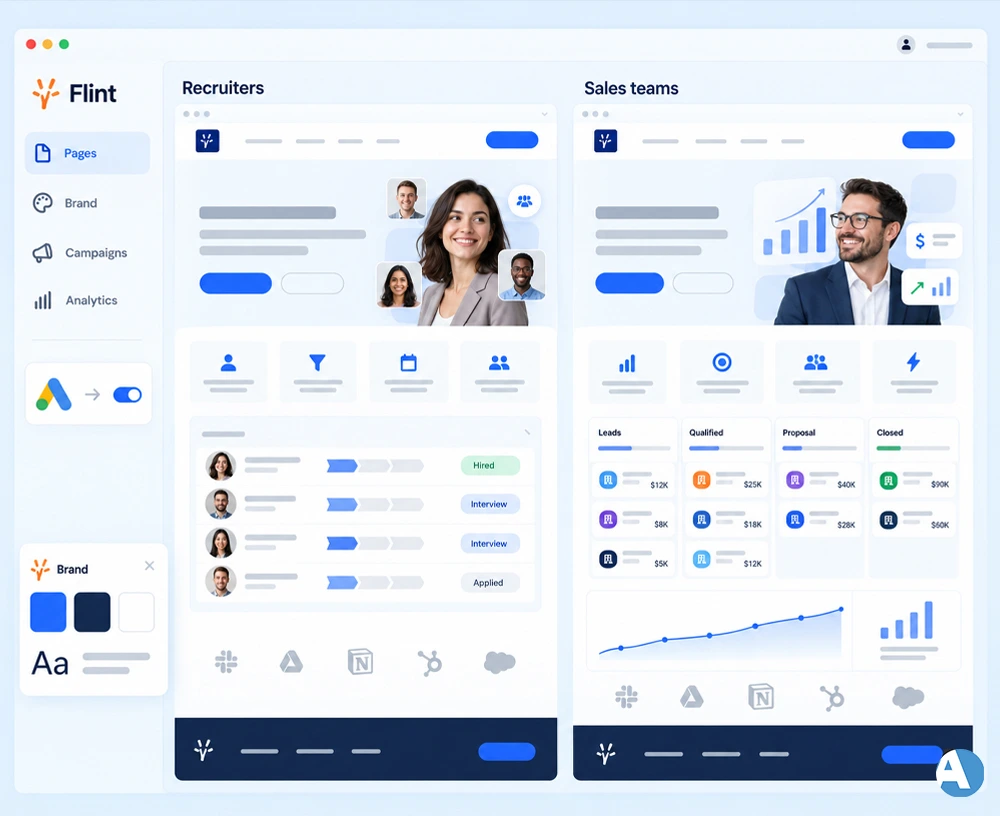
Imagine a software company targeting recruiters and sales managers. Both audiences need the same branding but different benefits, examples, and calls to action. Producing those related pages is a sensible use case for Flint, especially when repeated design requests slow down campaigns.
How Traditional Builders Differ
Traditional builders cover several categories. Wix combines website creation with business tools, WordPress emphasizes publishing and extensibility, and Unbounce specializes in landing pages. Choosing the right category matters: a campaign page and a website containing articles, bookings, or products have different requirements.
The distinction is not simply AI versus manual work. Wix already combines AI generation with visual editing. Compare how each platform handles your workflow, including revisions and maintenance, rather than choosing based on the AI label alone.
| Decision factor | Flint AI | Traditional builders |
|---|---|---|
| Primary fit | Recurring marketing pages | Full websites or dedicated landing pages |
| Starting point | Existing branding and a brief | Templates, existing layouts, or AI |
| Editing | AI chat and direct canvas changes | Visual controls, often with AI assistance |
| Main evaluation | Campaign production efficiency | Website features and editing flexibility |
| Cost consideration | Platform fee and usage | Subscription, hosting, and required extras |
Which Publishes Pages Faster?
Flint supports direct text edits on its canvas and larger structural changes through chat. A clear brief improves the starting point: specify the audience, offer, approved evidence, and desired action. Asking for a demo-booking page for finance managers gives more direction than requesting a generic product page.
However, generation speed does not equal launch speed. Flint’s Pages FAQ estimates a day or two for the first page. Publishing under a root-domain path may require engineering help for a reverse-proxy setup, while subdomain publishing is self-service.
A traditional builder can also be quick when an approved template already exists. Compare both tools using the same brief and assets. Measure the time until the page is ready for visitors, including corrections, approvals, and tracking checks.
Design Control and Daily Editing
Brand consistency helps related campaign pages feel connected, but detailed customization still matters. During a trial, change section spacing, replace an image, and adjust a mobile layout. These ordinary tasks reveal more about usability than an attractive first draft.
Review long headlines, wide screenshots, and embedded forms at different screen sizes. The better editor is the one that makes recurring changes predictable for the person maintaining the page. Easy generation offers limited value if routine revisions become frustrating.
Marketing Integrations and SEO
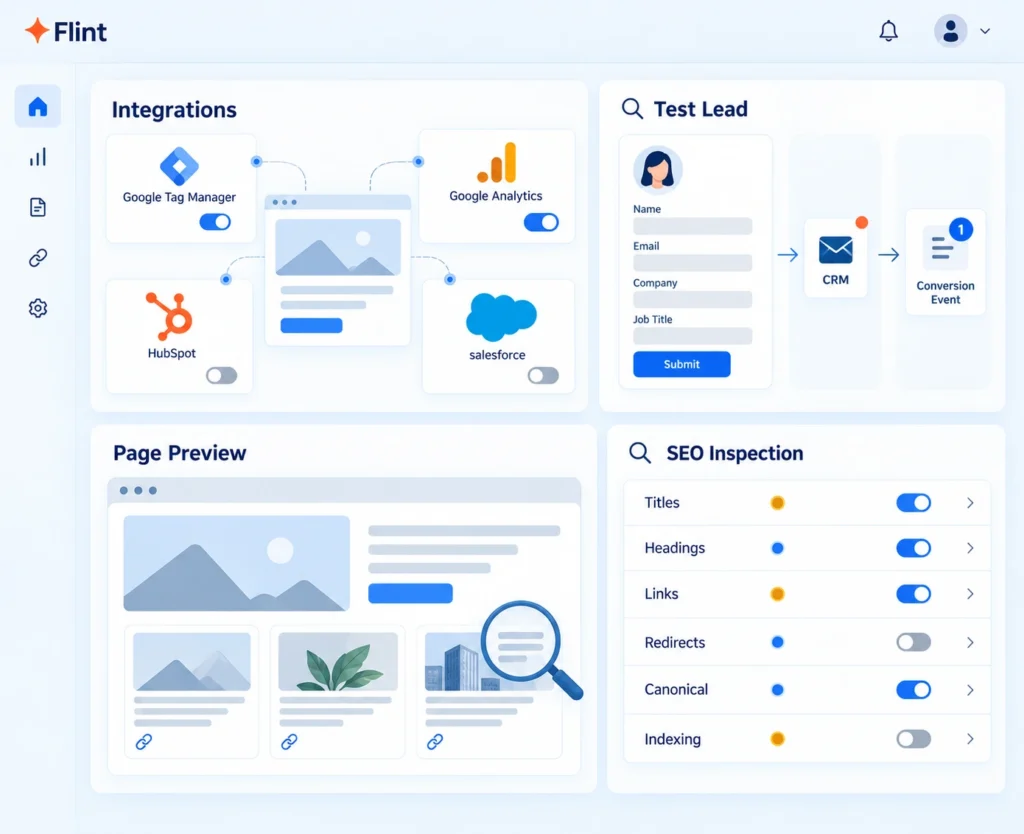
Flint says it supports existing analytics and marketing scripts, including Google Tag Manager, Google Analytics, HubSpot, and Salesforce. Validate your own setup rather than assuming every connection works automatically. Submit a test lead, confirm its destination, and check that the conversion event fires once.
For organic landing pages, examine titles, headings, internal links, redirects, canonical settings, and indexing controls. These checks reveal whether the platform supports your publishing requirements. An “SEO-ready” description alone does not explain how duplicate campaign pages or URL changes will be handled.
Google advises that generated content should be accurate, relevant, and useful. Producing many pages without adding value may violate its scaled content abuse policy. Industry-specific pages therefore need meaningful examples and answers, rather than identical copy with different audience names.
What Does Each Option Cost?
Based on the information gathered from September 9, 2026, Flint Basic costs $500 monthly. It has about 50 pages and 75 optimization actions per month on its pricing page, with credit top-ups available. The enterprise pricing is custom and has a 14-day trial period, with no need for a credit card.
Webflow offers Basic at a price of $15 per month on a yearly billing cycle for sites without a CMS. This lesser initial price includes a package that differs from the marketing tool offered by Flint.
Include staff time, setup, maintenance, and usage charges in the calculation. Occasional page creation may not justify Flint’s fee. Frequent campaign work could support a different decision, but count time savings only after a realistic trial demonstrates them.
Checks Before Committing
Generated pages still need editorial review. Verify product claims, prices, quotations, and customer logos against approved information. Review data-handling terms before uploading confidential material, and confirm who can access connected accounts.
Keep the launch checklist focused:
- Test links, forms, and confirmation messages.
- Check mobile layouts and keyboard navigation.
- Verify tracking and consent behavior.
- Confirm revision recovery and export options.
- Ask what happens to live pages after cancellation.
Choose Around Your Publishing Workload
Flint AI deserves a trial when repeated campaign production creates measurable delays. A broader builder may fit better when publishing features, detailed editing, or a smaller budget drive the decision. Test one genuine page in both tools, include several revisions, and choose the option that makes ongoing work easier.
FAQs
What is Flint AI used for?
Flint AI helps marketing teams create branded landing pages for campaigns. It uses an existing website’s design patterns to guide new pages for different audiences and offers.
Can Flint AI work alongside my existing website?
Yes. Flint can run alongside an existing website or CMS. Publishing on a subdomain is self-service, while placing pages under your main domain may require technical setup.
Do I need coding skills to use Flint AI?
Most page creation and editing tasks use AI chat or direct canvas controls. Technical help may still be needed for certain publishing configurations or custom requirements.
Is Flint AI better than a traditional website builder?
It depends on your workload. Flint is worth considering for frequent campaign pages, while a broader website builder may better suit blogs, online stores, or businesses with smaller budgets.
Can Flint AI improve my search rankings?
No builder can guarantee higher rankings. Flint can help produce pages, but search performance also depends on useful content, technical accessibility, internal linking, and how well each page answers visitors’ questions.
